Reap.video Review 2026: AI Video Clipping with Multilingual Dubbing
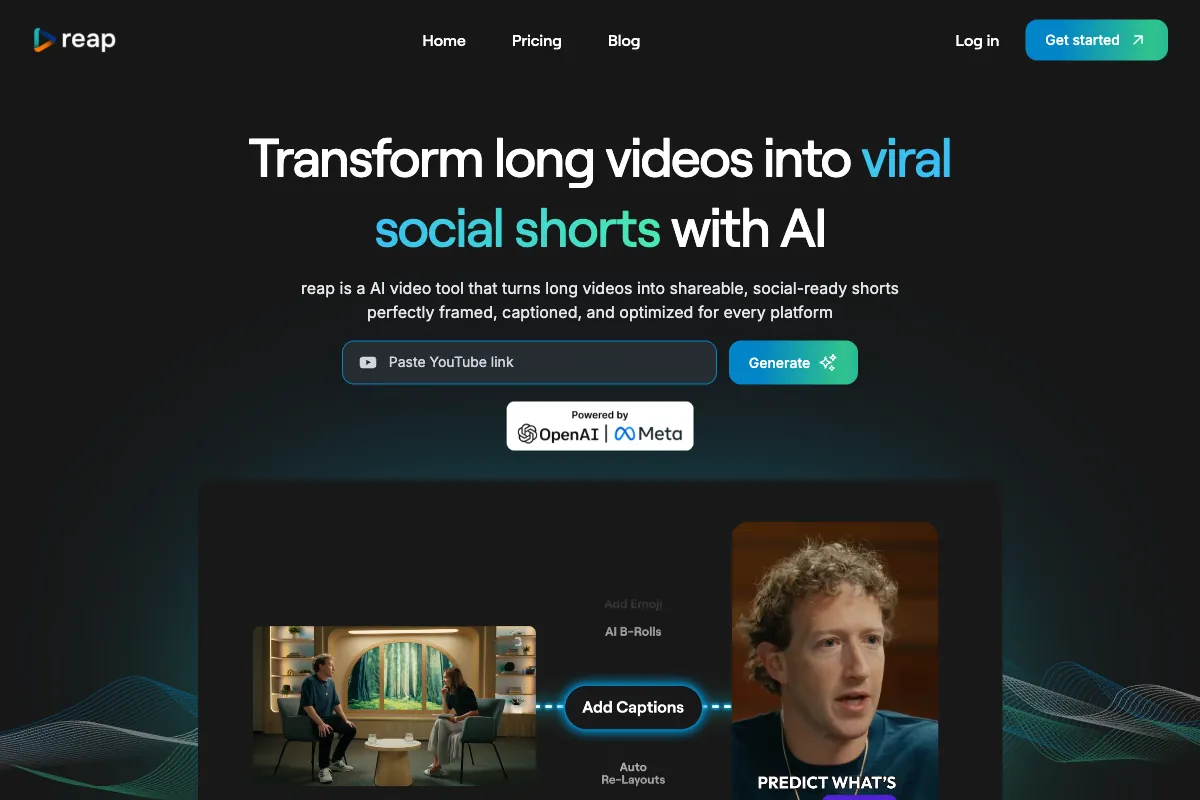
Creating short-form content from long videos is no longer optional for anyone serious about growing an audience online. But when your audience spans multiple languages and platforms, the workflow becomes exponentially more complex. That is where Reap.video enters the picture. Launched as an all-in-one AI video repurposing platform, Reap combines automated clipping, multilingual captioning in 98+ languages, and AI dubbing in 80+ languages into a single dashboard. Instead of juggling separate tools for clipping, subtitling, translating, and scheduling, Reap aims to collapse the entire pipeline into one place. In this review, we examine how Reap works step by step, what it does well, where it falls short, who benefits most from it, how it stacks up against competitors, and whether its pricing makes sense in 2026.
How to Use Reap.video
Getting started with Reap.video is designed to be straightforward, even for creators who have never used an AI clipping tool before. Here is the typical workflow from upload to publish:
-
Sign Up and Access the Dashboard: Create an account at reap.video. The platform is entirely browser-based, so there is nothing to download or install. A free tier is available with limited minutes so you can test the platform before committing.
-
Upload or Import Your Video: Drag and drop a video file into the dashboard, or paste a YouTube or other public video URL. Reap accepts long-form content such as podcasts, webinars, interviews, tutorials, and livestream recordings. The AI works best with dialogue-driven content where there are clear speakers and topical segments.
-
AI Analysis and Clip Generation: Once your video is uploaded, Reap's AI engine analyzes the full recording to identify the most engaging moments. It uses a combination of transcript analysis, speaker detection, sentiment cues, and virality scoring to select highlights. The platform automatically generates a batch of short clips, typically ranging from 30 seconds to a few minutes, each scored by predicted engagement potential.
-
Customize Your Clips: For each generated clip, you can fine-tune the output using the built-in editor. Adjust the start and end points, choose from animated caption styles, apply brand templates with your logo and colors, and select the target aspect ratio. Reap supports portrait (9:16), square (1:1), and landscape (16:9) with automatic reframing that tracks speaker faces and key visual elements.
-
Add Multilingual Captions and Dubbing: This is where Reap distinguishes itself from most competitors. Select from 98+ languages for auto-generated subtitles, or activate AI dubbing in 80+ languages to create fully voiced translations of your clip. The dubbing engine generates natural-sounding voiceovers that match the cadence and timing of the original speaker, enabling you to reach entirely new audiences without re-recording.
-
Schedule and Publish: Reap includes a built-in social media scheduler. Connect your accounts for YouTube Shorts, TikTok, Instagram Reels, LinkedIn, and other platforms, then plan your publishing calendar directly from the dashboard. You can queue up an entire week of content in a single session.
-
B-Roll and Enhancement: Reap offers automatic B-roll insertion that matches relevant visuals to the spoken context. Instead of static talking-head footage, the AI adds visual variety designed to improve viewer retention. You can also remove filler words and silence to tighten up your clips.
The overall process is designed to take minutes rather than hours. Reap claims the workflow is up to 20x faster than manual editing, and based on the automation involved, that figure is plausible for creators who would otherwise be clipping, captioning, dubbing, and scheduling separately.
Pros and Cons of Reap.video
Based on user reviews across platforms like AppSumo (4.4/5), G2, and Trustpilot, here is a balanced assessment of what Reap does well and where it needs improvement.
Pros
- Industry-Leading Multilingual Support: AI dubbing in 80+ languages and auto-captions in 98+ languages is a genuine differentiator. For creators targeting international audiences, this feature alone can justify the subscription. No separate localization tool or translation service is needed.
- Complete All-in-One Pipeline: Clipping, captioning, dubbing, reframing, B-roll insertion, brand templates, and scheduling all live under one roof. This eliminates the need to stitch together multiple tools and reduces friction in the content repurposing workflow.
- Intelligent Virality Scoring: The AI does not just clip randomly. It assigns engagement scores to each generated clip, helping creators prioritize the moments most likely to perform well on social platforms.
- Automatic Multi-Aspect-Ratio Reframing: Upload once and get clips formatted for every platform. The smart reframing tracks speakers and key visuals, producing clean crops without manual intervention.
- Affordable Entry Point: With a free tier offering 10 minutes per month of AI clipping and captioning, and paid plans starting at $29 per month, Reap is accessible for independent creators and small teams testing the waters.
- Built-In Social Scheduler: The scheduling feature eliminates the need for a separate publishing tool, streamlining the final step of the workflow.
Cons
- Smaller User Base and Community: Compared to established players like Opus Clip (12 million+ users), Reap has a smaller community. This means fewer templates, tutorials, and third-party resources are available.
- Fewer Third-Party Integrations: The platform lacks the deep integrations with tools like Zapier, Notion, or Adobe Premiere Pro that some competitors offer. If your workflow relies on external automation, this can be a friction point.
- Limited Clip Editing Control: Some users report that the video editor feels restrictive. You can tweak captions but have limited control over the video itself. For example, users have noted difficulty adjusting clip length preferences or limiting the number of auto-generated clips.
- Occasional Processing Delays: Rendering can be slower than competitors, particularly for longer source videos. Users have reported that processing times can interrupt quick-turnaround workflows.
- Transcription Accuracy Varies: As with most AI tools, transcription quality degrades with poor audio, heavy accents, or overlapping speakers. Manual corrections may be needed for clips intended for professional distribution.
- UI Could Be More Polished: Multiple reviews mention that the interface, while functional, feels less refined than competing platforms. Navigation and discoverability of features could benefit from further design iteration.
Main Use Cases
Reap.video is built for scenarios where long-form content needs to be repurposed at scale, especially across languages:
- International Content Expansion: Take a single English-language podcast and produce clips dubbed and captioned in Spanish, French, Portuguese, Hindi, Japanese, and dozens of other languages. This is Reap's strongest differentiator and the use case where it delivers the most value.
- Podcast and Interview Repurposing: Extract the best 60-second moments from hour-long conversations and turn them into social media teasers that drive listeners back to the full episode.
- Webinar and Conference Content: Break down recorded webinars, panels, and conference talks into digestible clips for LinkedIn, Twitter/X, and email marketing campaigns.
- Course Creator Content Marketing: Online educators can extract highlights from their course material to use as promotional clips, showcasing their teaching style and subject matter expertise.
- Agency Content Production: Marketing agencies managing multiple clients can use Reap to produce batches of clips from a single source video, each customized with different brand templates and scheduled to different accounts.
- Multilingual Marketing Campaigns: Brands expanding into new markets can use the dubbing feature to adapt their video marketing content for local audiences without hiring voice actors or translators.
Target Audience
Reap.video is best suited for:
- International Content Creators: Anyone producing content for audiences that speak multiple languages will find the dubbing and multilingual captioning features invaluable. This is the primary segment where Reap outperforms nearly all competitors.
- Podcasters and YouTubers: Especially those who want to grow by repurposing long-form dialogue content into short clips across platforms.
- Digital Marketing Agencies: Teams that handle content for multiple clients benefit from the batch processing, brand templates, and scheduling calendar.
- Course Creators and Coaches: Professionals who record educational content and want to extract promotional snippets without spending hours in an editor.
- Small Business Owners: Those who need to maintain a social media presence but lack the time or budget for a dedicated video editor.
- Non-English-Speaking Creators: Creators who produce content in languages other than English benefit from the broad language support in both captioning and dubbing.
Reap is less ideal for creators who need frame-level editing precision, advanced motion graphics, or color grading. It is a repurposing and distribution tool, not a replacement for professional post-production software.
Main Competitors and Their Pros and Cons
The AI video clipping space is crowded in 2026. Here is how Reap.video compares to its main competitors:
| Competitor | Key Strength | Pricing | Best For | Notable Limitation |
|---|---|---|---|---|
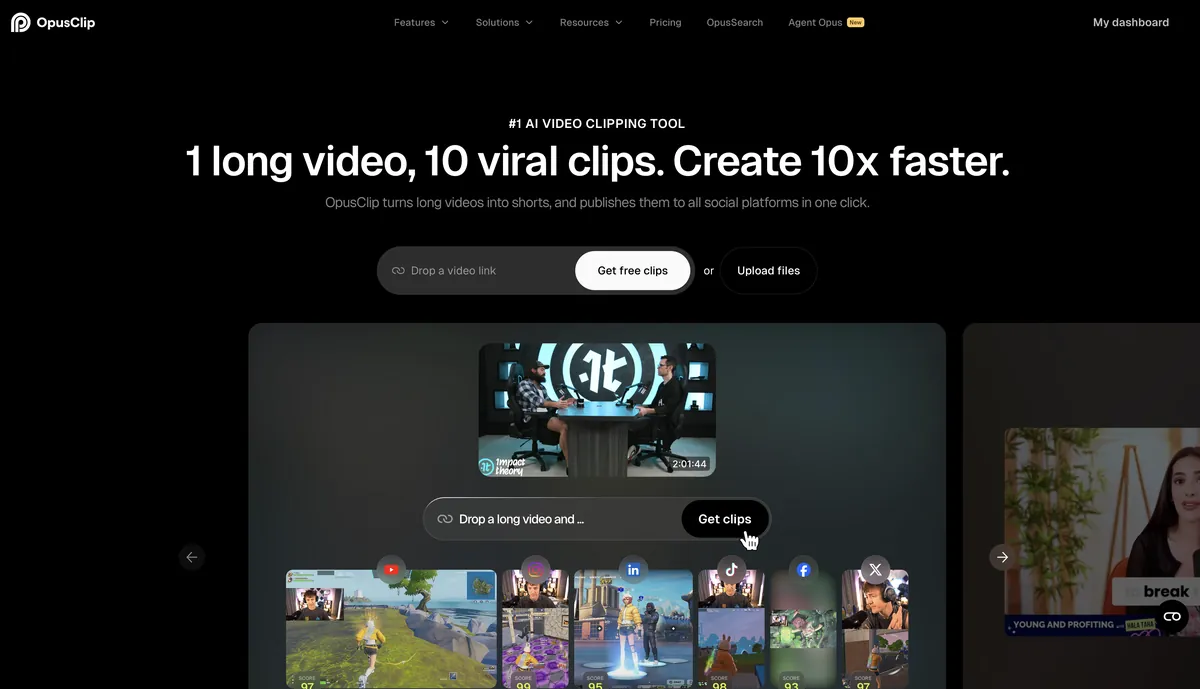
| Opus Clip | Viral moment detection, large user base, ClipAnything AI model | Free / $15-$29/month | Fast clip generation with virality scoring | Limited editing depth, credit-based system can be restrictive |
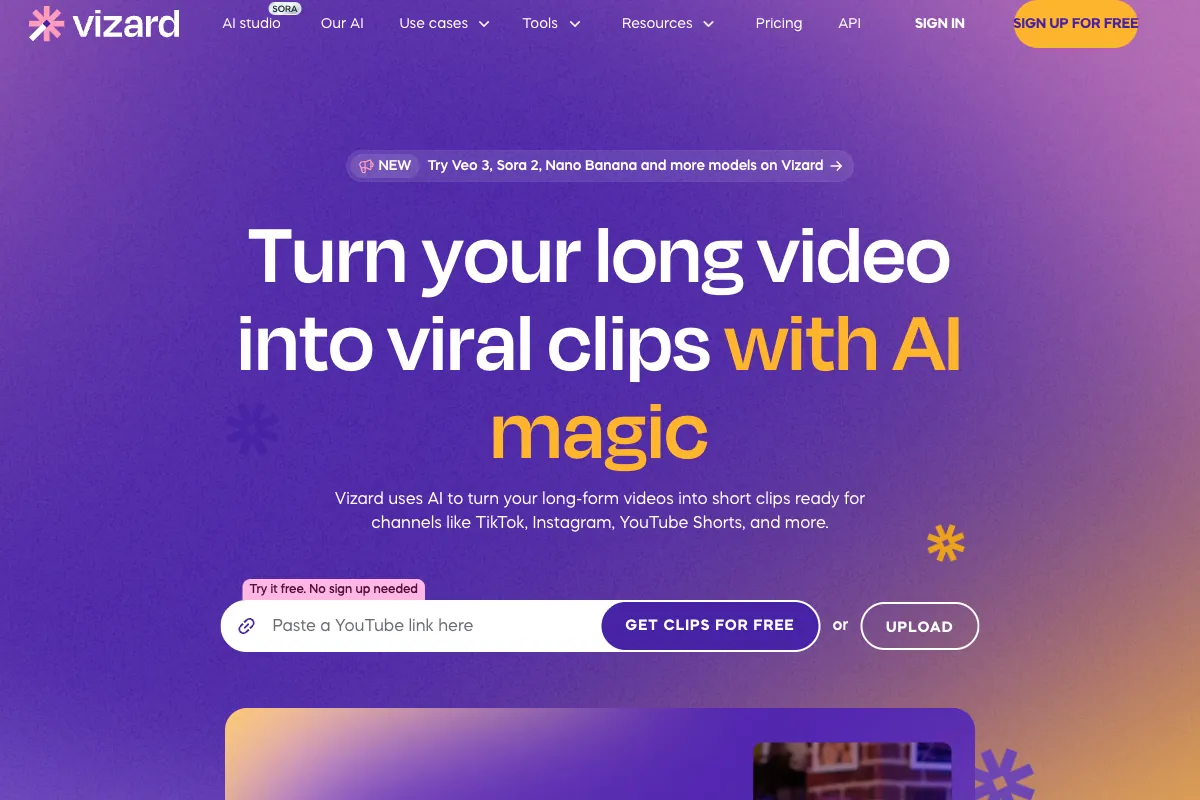
| Vizard.ai | Clean speaker boundary detection, minimal post-editing needed | Free / ~$14.50+/month | Podcasters and interview content | Limited advanced editing, fewer multilingual features |
| Descript | Text-based editing, Overdub voice cloning, all-in-one production | Free / $24-$65/month | Full episode editing plus repurposing | Not focused on clipping, complex for simple repurposing tasks |
| Submagic | Fast caption generation, trending templates, clean UI | Free / ~$15+/month | Caption-focused short-form content | Primarily a captioning tool, limited clipping intelligence |
Reap's competitive advantage centers on its multilingual dubbing and captioning capabilities. No other tool in this comparison offers AI voiceover dubbing in 80+ languages as a built-in feature. However, if your content is exclusively English and you prioritize viral moment detection, Opus Clip's larger community and more mature AI may be a stronger fit. If you need full episode editing rather than repurposing, Descript remains the more complete solution. Vizard.ai competes closely on clipping quality and offers a lower entry price, making it a strong alternative for budget-conscious creators who do not need multilingual features.
Pricing
Reap.video offers a freemium model with three main tiers. Here are the plans as of 2026:
| Plan | Monthly Price | AI Clipping Minutes | AI Captioning Minutes | Key Features |
|---|---|---|---|---|
| Free | $0/month | 10 min/month | 10 min/month | Basic AI clipping, watermarked exports, limited features |
| Basic | $29/month | Expanded minutes | Expanded minutes | Watermark-free exports, brand templates, social scheduler, AI dubbing access |
| Pro | $50/month | Higher allocation | Higher allocation | Full feature access, priority processing, team collaboration, advanced dubbing and translation |
Reap has also offered lifetime deals through platforms like AppSumo, which have been popular with early adopters looking for one-time pricing. These deals are not always available, so check the Reap.video pricing page for the latest options.
The free tier is useful for testing the platform's capabilities, but the 10-minute monthly limit will be insufficient for any regular publishing schedule. Most active creators will need the Basic plan at minimum. The Pro plan makes sense for agencies, teams, or creators producing multilingual content at scale where the dubbing features are essential.
Compared to competitors, Reap's pricing sits in the middle of the market. Opus Clip's Pro plan is $29/month with 3,600 annual credits, while Vizard.ai starts lower at around $14.50/month. Reap's pricing is justified if you need the multilingual dubbing, which would otherwise require a separate and often more expensive dedicated dubbing service.
Streamline Your Podcast Clips with Viral Clips

Reap.video is a solid choice for creators who need multilingual video repurposing with dubbing and captioning in dozens of languages. But if your primary content is podcasts and conversational videos in English, and your main goal is extracting the most engaging moments for social media, there is a tool built specifically for that workflow.
Viral Clips is a SaaS platform purpose-built for transforming podcasts and conversational videos into viral short clips. Rather than being a general-purpose repurposing tool, Viral Clips specializes in dialogue-driven content. The AI analyzes your full recording, identifies the moments with the highest engagement potential, automatically reframes to vertical format, adds polished captions, and delivers ready-to-post clips in minutes.
For creators who want the best of both worlds, the ideal workflow is clear: use Reap.video when you need to reach international audiences with dubbed and translated clips, and use Viral Clips when you need to maximize the social media impact of your English-language podcast and interview content. The specialized focus on conversational video means Viral Clips delivers tighter, more engaging clips from dialogue-heavy recordings than general-purpose tools can match. Try it at viralclips.video.