Synthesia Review: AI Avatar Video Generator for Business in 2026
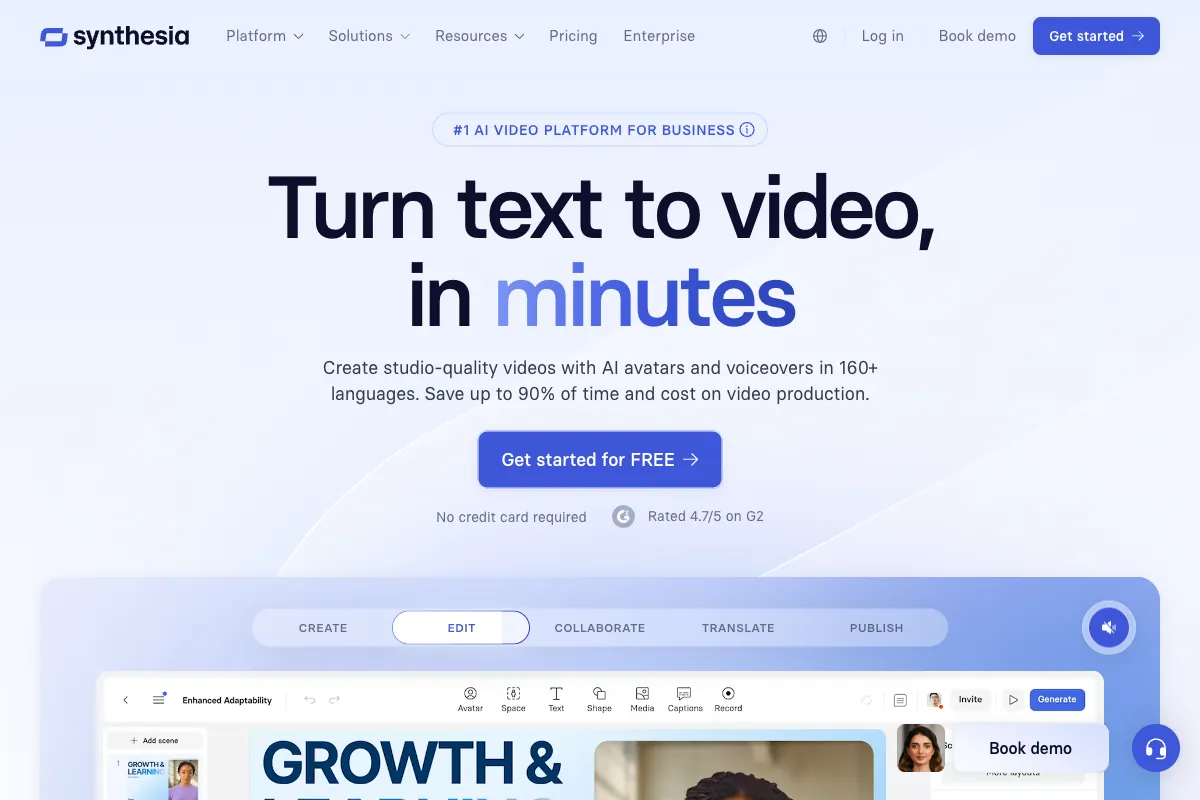
Synthesia is widely recognized as the world's leading AI video generation platform, transforming simple text scripts into professional-quality videos featuring lifelike AI avatars. Founded in 2017, the company has grown to serve over 50,000 businesses, including more than 60% of the Fortune 100. With a $4 billion valuation and $380 million in total funding, Synthesia has cemented itself as the enterprise standard for AI-powered video creation. In this review, we break down its features, strengths, limitations, pricing, and how it compares to the competition so you can determine whether it fits your workflow.
How to Use Synthesia
Getting started with Synthesia is designed to be as simple as writing an email. Sign up for a free account at synthesia.io to access 10 minutes of video per month with no credit card required. Once inside the platform, you have several paths to create your first video.
The fastest route is the AI Video Assistant, which can transform a PDF, PowerPoint file, or even a URL into a complete video automatically. Simply upload your source material, and Synthesia generates a script, selects an avatar, applies a template, and produces a draft video in minutes. This is particularly powerful for converting existing training documents or blog posts into video format without writing a single line of script.
For more control, start with one of the 60+ professionally designed templates or build from scratch. Write or paste your script into the editor, then choose from 240+ stock AI avatars representing diverse demographics, professions, and styles. Select a voice in any of 160+ supported languages, or use voice cloning to replicate a specific speaker. Customize backgrounds, add screen recordings, insert images or charts, and apply your brand kit for consistent visual identity.
The Express-2 avatar technology delivers natural gestures and head movements that sync with the speech, producing results that feel far more authentic than earlier generations of AI presenters. For organizations that need a recognizable face, personal avatar creation allows you to build a custom digital twin from a short video recording, though this comes at an additional $1,000 per year.
Once satisfied with your video, generate it and download in standard formats or export as SCORM packages for direct integration into learning management systems. The entire process, from script to finished video, typically takes minutes rather than the days or weeks required for traditional video production.
Key Features at a Glance
Synthesia has built a remarkably deep feature set that extends well beyond basic text-to-video conversion:
- AI Avatars: 240+ stock avatars with Express-2 natural gesture technology, plus personal and custom avatar options with voice cloning via Express-Voice.
- AI Video Assistant: Automatically converts PDFs, PowerPoints, and URLs into complete videos.
- AI Screen Recorder: Capture screen recordings enhanced with AI avatars for software tutorials and demos.
- AI Playground: Access to cutting-edge generative video models including Sora 2 and Veo 3.1 for creative experimentation.
- Interactive Videos: Embed quizzes, branching scenarios, and calls-to-action directly within videos for engaging learning experiences.
- Multilingual Support: Create content in 160+ languages with 1-click translation into 80+ languages, AI dubbing, and a multilingual player with auto-generated captions.
- Enterprise Collaboration: Brand kits, live collaboration, workspaces, version control, and analytics dashboards for team-wide content governance.
- Integrations and API: RESTful API for programmatic video generation, SCORM export for LMS platforms, and broad third-party integrations.
- Security and Compliance: SOC 2 Type II, ISO 27001, and GDPR certified, meeting enterprise security requirements.
A major milestone came with Synthesia 3.0 in October 2025, which introduced Video Agents — real-time, two-way avatar conversations that allow viewers to interact with AI presenters in live dialogue. This positions Synthesia at the frontier of interactive AI video, opening use cases in customer support, virtual coaching, and adaptive training.
Pros and Cons of Synthesia
Pros
- Extremely Easy to Use: The interface requires zero technical or video production expertise. Anyone who can write a script can produce a professional video.
- Dramatic Time Savings: Users report 80-90% faster video production compared to traditional methods, turning what once took weeks into hours or even minutes.
- Significant Cost Reduction: Eliminates the need for cameras, studios, actors, and post-production teams, with users reporting up to 80% lower costs.
- Industry-Leading Language Support: 160+ languages with 1-click translation and AI dubbing make Synthesia unmatched for global organizations.
- Largest Avatar Library: 240+ stock avatars provide broad representation without the expense of custom avatar creation.
- Strong Enterprise Features: Brand kits, workspaces, analytics, SCORM export, SSO, and compliance certifications meet the needs of large organizations.
- No Equipment Required: Everything happens in the browser — no cameras, microphones, lighting, or editing software needed.
- Continuous Innovation: Regular platform updates, including the major Synthesia 3.0 release with Video Agents, demonstrate strong product momentum.
- Trusted by Leading Companies: Adoption by 60%+ of the Fortune 100 provides confidence in reliability and security.
Cons
- Avatar Stiffness: Despite improvements with Express-2, AI avatars still lack the full range of human expression and can feel unnatural in emotionally nuanced content.
- Restrictive Content Moderation: Synthesia enforces strict acceptable use policies that can block legitimate use cases, particularly around creative or edgy content.
- Video Minute Limits: All plans impose monthly minute caps, which can feel constraining for teams producing high volumes of content.
- Best Features Reserved for Enterprise: Critical capabilities like SSO, SCORM export, unlimited videos, and advanced collaboration require custom Enterprise pricing.
- No Free Trial on Paid Plans: While the Free plan exists, there is no trial period for Starter or Creator plans to evaluate premium features before committing.
- Customer Support Complaints: Multiple reviews cite slow response times and difficulty resolving technical issues, particularly for non-Enterprise customers.
- Expensive Custom Avatars: Personal avatar creation costs $1,000 per year as an add-on, which is significant for smaller organizations.
- Limited Creative Flexibility: Synthesia excels at structured, corporate-style videos but is less suited for highly creative, cinematic, or entertainment content.
Main Use Cases
Synthesia dominates in scenarios where scalable, consistent, and multilingual video communication is needed:
- Learning and Development: The primary use case. Create onboarding modules, compliance training, product knowledge courses, and skill development videos at scale, with SCORM export for seamless LMS integration.
- Corporate Training: Standardize training across global teams with instant translation into 80+ languages, ensuring consistent messaging regardless of location.
- Marketing and Sales Enablement: Produce product demos, explainer videos, customer testimonials, and personalized sales outreach without scheduling film crews.
- Human Resources: Build recruitment videos, policy explainers, benefits overviews, and internal communications that can be updated instantly when information changes.
- Customer Success: Create help center videos, product walkthroughs, and FAQ content that scales across languages and stays current with product updates.
- Education: Develop course materials, lectures, and instructional content for e-learning platforms and academic institutions.
The interactive video features with quizzes and branching logic make Synthesia especially powerful for training scenarios where engagement and knowledge retention matter.
Target Audience
Synthesia is built primarily for professional and enterprise users who need efficient, scalable video production:
- L&D Professionals: The core audience. Learning and development teams use Synthesia to replace expensive instructor-led video production with rapid, consistent AI-generated training content.
- Corporate Trainers: Those managing training programs across departments and regions who need multilingual capabilities and LMS integration.
- Marketing Teams: Brand and content marketers creating product videos, explainers, and promotional content without production overhead.
- HR Departments: People operations teams building internal communications, onboarding flows, and policy documentation in video format.
- Sales Enablement Teams: Sales leaders creating demo videos, pitch decks, and personalized outreach at scale.
- Course Creators and Educators: Independent educators and institutions building e-learning content efficiently.
- Enterprise Organizations: Large companies requiring security compliance, SSO, collaboration tools, and governance features.
- Coaches and Consultants: Independent professionals scaling their expertise through video content without studio investment.
- SMBs and Startups: Smaller teams leveraging the Free and Starter plans to produce professional video on a limited budget.
The platform is less suited for entertainment creators, filmmakers, or anyone seeking highly creative or cinematic video production.
Main Competitors and Their Pros and Cons
Synthesia operates in a competitive AI video generation market. Here is how the leading alternatives compare:
| Competitor | Starting Price | Pros | Cons |
|---|---|---|---|
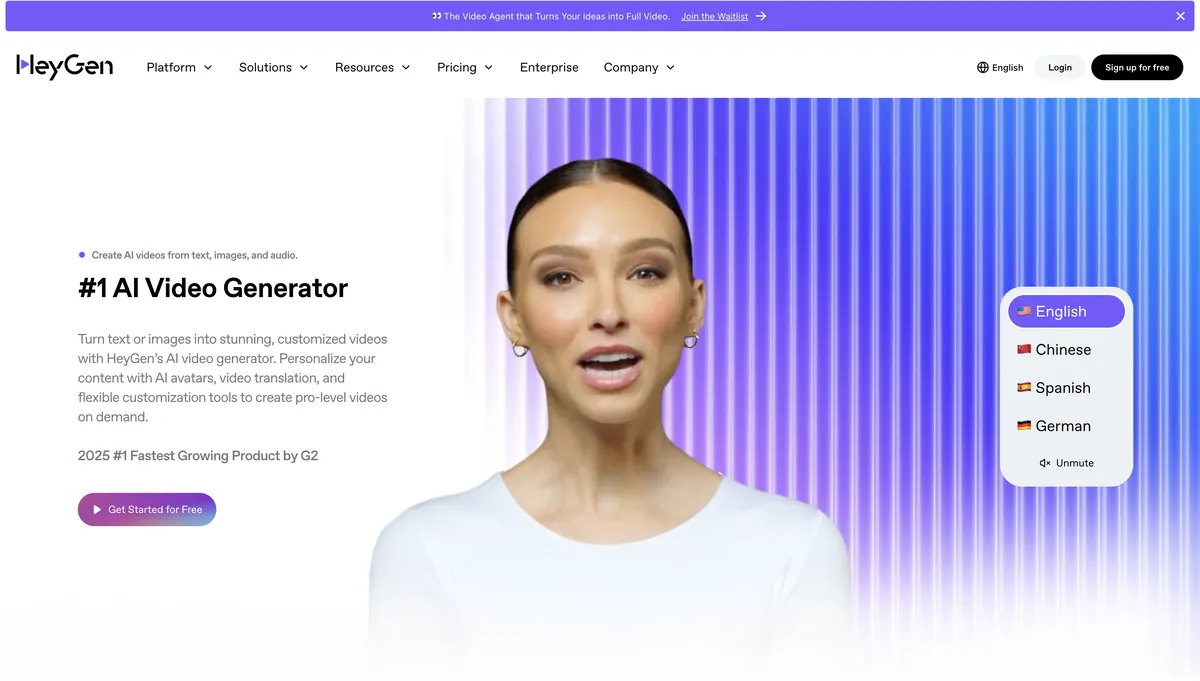
| HeyGen | $24/mo | Excellent avatar realism; strong voice cloning; 175+ languages; robust API; G2's fastest-growing product. | Subscription pricing steep for casual use; limited emotional range in avatars; mixed customer support feedback. |
| Colossyan | $19/mo | Affordable entry point; good template library; enterprise scalability focus; conversation-style videos. | Fewer avatars (~70); less advanced voice technology; UI can feel cluttered. |
| D-ID | Free tier available | Strong lip-sync technology; affordable for short clips; good privacy features; Creative Reality Studio. | Fewer overall features; no full video editor; avatars less realistic; strict video length caps. |
| Elai.io | $23/mo | Custom avatar creation; robust analytics; interactive video support; URL-to-video conversion. | Steeper learning curve; higher pricing for teams; occasional translation sync issues. |
| DeepBrain | $24/mo | Fast generation; realistic avatars; kiosk and virtual human applications; good for real-time content. | Limited language support compared to Synthesia; higher costs for custom features; narrower template library. |
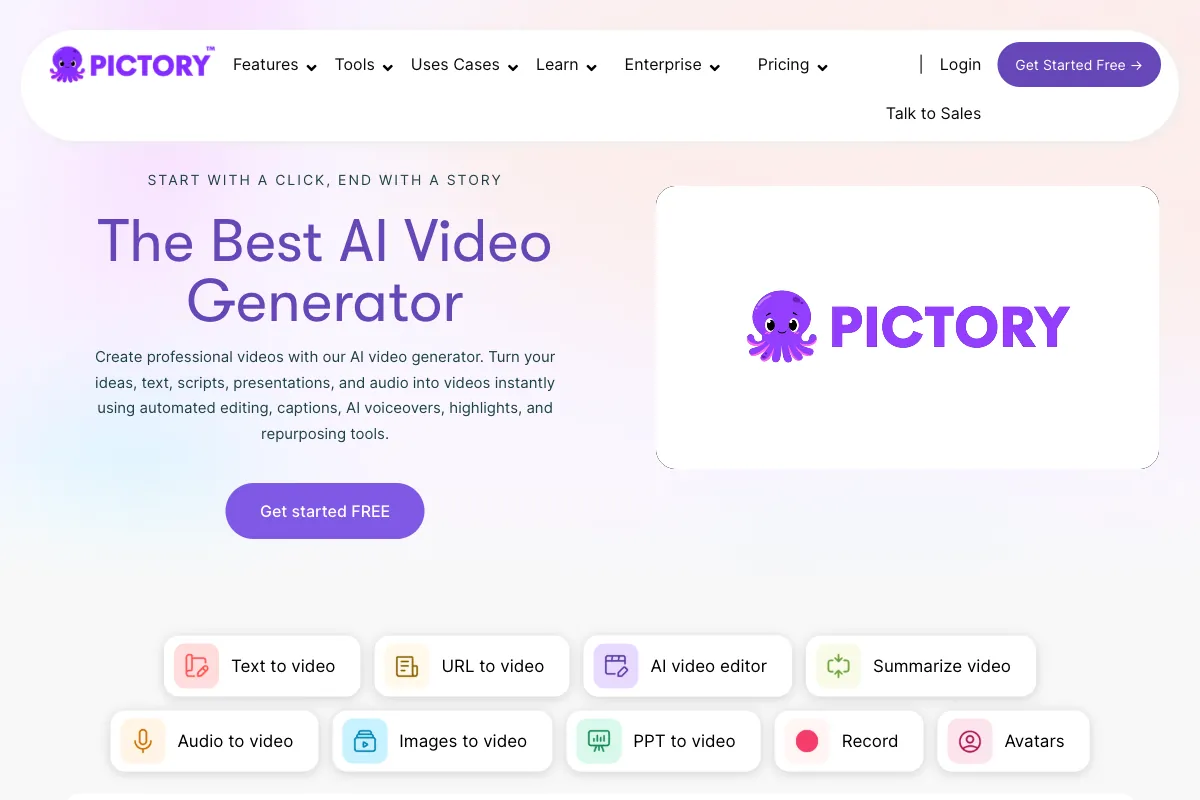
| Pictory | $19/mo | Strong text-to-video for marketers; blog-to-video conversion; affordable plans. | No AI avatars; focused on stock footage assembly; less suitable for training content. |
| Hour One | Custom pricing | News-style and presentation focus; fast turnaround; enterprise features. | Limited language support; higher costs for customization; narrower use case focus. |
| Vyond | Custom pricing | Strong animation capabilities; established in L&D; character-based storytelling. | Animation-only (no photorealistic avatars); steeper learning curve; higher price point. |
Synthesia's primary advantages over competitors are its scale (240+ avatars, 160+ languages), enterprise trust (Fortune 100 adoption), and depth of L&D-specific features like SCORM export and interactive videos. HeyGen is its closest rival for avatar realism, while Colossyan competes aggressively on price.
Pricing
Synthesia offers four tiers designed to accommodate individual users through to large enterprises. All prices reflect monthly billing.
- Free Plan: $0/month — 10 minutes of video per month, 9 stock avatars, basic features, watermarked output. Ideal for evaluating the platform.
- Starter Plan: $29/month — 10 minutes of video per month, 125+ stock avatars, no watermark, video downloads, basic editing tools. Suited for individuals and small projects.
- Creator Plan: $89/month — 30 minutes of video per month, 180+ stock avatars, API access, interactive video features with quizzes and CTAs, advanced editing. Best for growing teams and content-heavy workflows.
- Enterprise Plan: Custom pricing — Unlimited video minutes, full avatar library, SSO, SCORM export, dedicated support, custom integrations, advanced analytics, and collaboration tools. Required for organizations with serious scale and compliance needs.
Important pricing notes: Custom avatar creation is a $1,000 per year add-on across all paid plans. Annual billing offers discounts compared to monthly rates. The Free plan is genuinely useful for testing but is limited to 9 avatars and includes a watermark on all exports.
For teams evaluating Synthesia against competitors, the Starter plan at $29/month is competitive with HeyGen ($24/month) and higher than Colossyan ($19/month), but Synthesia's broader avatar library and language support often justify the difference for multilingual organizations.
User Ratings and Community Feedback
Synthesia maintains strong ratings across major review platforms:
- G2: 4.7 out of 5 (approximately 2,000 reviews) — Users consistently praise ease of use and time savings.
- Capterra: 4.7 out of 5 (approximately 300 reviews) — High marks for feature set and multilingual capabilities.
- Trustpilot: 4.0 out of 5 (approximately 1,700 reviews) — Generally positive, though some users cite customer support and content moderation frustrations.
The most common praise centers on how quickly non-technical users can produce professional results. The most frequent criticisms involve avatar naturalness, content policy restrictions, and the gating of advanced features behind Enterprise pricing.
Enhance Your Video Strategy with Viral Clips

Synthesia creates polished AI avatar videos from scripts — perfect for training and marketing. But if you already have real video content from podcasts, coaching sessions, or webinars, Viral Clips takes a different approach: it finds the most engaging real moments from your existing recordings and turns them into viral short clips. Two tools, two approaches — Synthesia for scripted AI content, Viral Clips for authentic conversational highlights.
Key features of Viral Clips include:
- Generating 5 to 30 optimized clips per video in just 20-30 minutes.
- AI-driven viral moment detection, hooks, reframing to vertical format, and customizable captions.
- Support for videos 5 minutes to 4 hours long, ideal for podcasts, interviews, and webinar recordings.
- Credit-based pricing starting at $20/month for 200 credits (processing ~3 hours of video, yielding ~60 clips), or $200/year for 4,000 credits.
If you create scripted AI videos with Synthesia and also produce real conversational content like podcasts or coaching calls, Viral Clips is the perfect complement — turning your authentic recordings into ready-to-post social media clips. Visit Viral Clips to try it with a 3-day free trial including 20 credits.