quso.ai Review 2026: All-in-One AI Social Media Suite (Formerly Vidyo.ai)
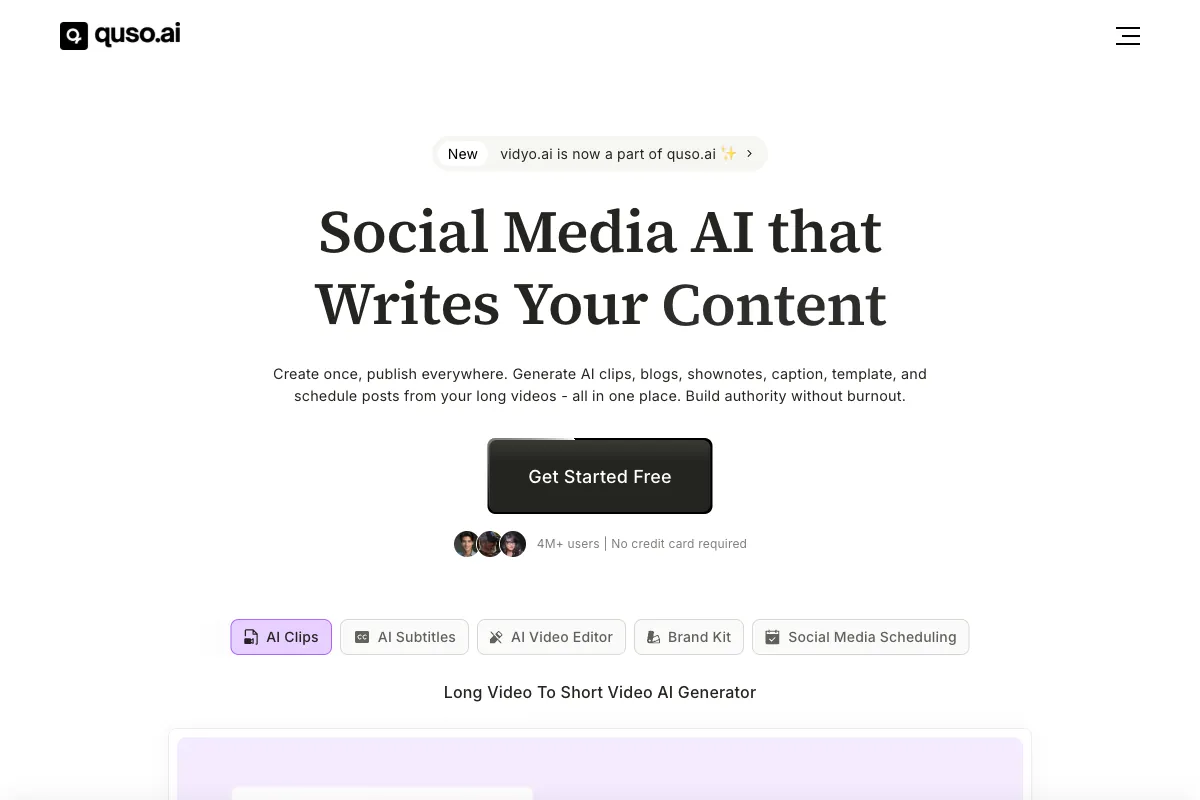
Managing a social media presence across multiple platforms demands a relentless content pipeline. Between filming, editing, captioning, scheduling, and analyzing performance, creators and marketers can easily spend more time on logistics than on the creative work itself. quso.ai aims to solve this by bundling AI video repurposing, social media scheduling, content planning, and analytics into a single platform. Originally launched in 2022 as Vidyo.ai -- a focused AI video clipping tool -- the platform rebranded to quso.ai in 2025 to reflect its expanded ambition as a comprehensive social media suite. With over 4 million users globally, quso.ai promises to speed up video repurposing by up to 5x and streamline the entire content lifecycle from long-form video to published social post. In this review, we examine how it works, what it does well, where it falls short, who benefits most, how it compares to competitors, and whether its pricing delivers value in 2026.
How to Use quso.ai
Getting started with quso.ai is designed to be accessible for users at any skill level. Here is a walkthrough of the typical workflow:
-
Sign Up and Access the Dashboard: Create a free account at quso.ai. The platform is entirely browser-based, so there is no desktop application to install. Once logged in, you land on a unified dashboard that provides access to all features including video clipping, scheduling, and analytics.
-
Upload or Import Your Video: Upload a long-form video file directly, or paste a URL from YouTube, Vimeo, or other supported platforms. quso.ai supports common video formats and can process videos of substantial length, making it suitable for full podcast episodes, webinars, and lengthy interviews.
-
AI Video Clipping: Once uploaded, the AI engine analyzes your video to identify the most engaging moments. It examines speaker patterns, sentiment, topic shifts, and visual cues to recommend clip-worthy segments. You can review the suggested clips, adjust start and end points, and select which ones to process. The AI also assigns a virality prediction score to help you prioritize clips most likely to perform well on social platforms.
-
Auto-Captioning and Formatting: quso.ai automatically generates captions and subtitles in multiple languages. You can customize caption styles, fonts, colors, and positioning. The platform also handles aspect ratio reframing, converting horizontal video into vertical formats optimized for TikTok, Instagram Reels, and YouTube Shorts.
-
Apply Brand Kit: Upload your brand assets -- logos, fonts, color palettes, and intro/outro templates -- to the Brand Kit. Once configured, you can apply your branding to any clip with a single click, ensuring visual consistency across all your content without repetitive manual formatting.
-
Schedule and Publish: Use the built-in social media scheduler to queue posts across Instagram, TikTok, Facebook, YouTube, LinkedIn, and X (formerly Twitter). The visual content calendar lets you see all scheduled posts at a glance, identify gaps in your posting schedule, and drag-and-drop to rearrange. You can schedule up to 300 posts depending on your plan.
-
AI Content Assistant: Beyond video clips, quso.ai can repurpose your long-form video into written formats -- show notes, blog post drafts, social media captions, and carousel posts -- using its AI content assistant. This extends the value of a single recording across multiple content formats and channels.
-
Analytics and Performance Tracking: Monitor how your published content performs with built-in analytics. Track engagement metrics, identify top-performing clips, and use the insights to refine your content strategy over time.
The end-to-end workflow -- from uploading a podcast episode to having a week's worth of captioned, branded, and scheduled social posts -- can be completed in a single session, which is the platform's core value proposition.
Pros and Cons of quso.ai
Based on user reviews across G2, Product Hunt, SourceForge, and other platforms, here is a balanced assessment of quso.ai's strengths and weaknesses in 2026.
Pros
- True All-in-One Platform: Unlike most competitors that handle only clipping or only scheduling, quso.ai combines video repurposing, captioning, scheduling, content planning, and analytics in a single tool. This eliminates the need to juggle multiple subscriptions and reduces friction in the content workflow.
- Solid AI Clipping Quality: The AI does a competent job of identifying engaging moments from podcasts, interviews, and talking-head content. The virality predictor adds a useful layer of prioritization when you have dozens of potential clips to choose from.
- Built-in Social Media Scheduling: Having a scheduler integrated directly with the clipping workflow is a significant time-saver. You can go from raw video to scheduled posts without leaving the platform.
- Brand Kit for Consistency: The one-click brand application feature is particularly valuable for agencies and teams managing multiple client accounts, ensuring every clip maintains consistent visual identity.
- Multi-Language Captioning: Support for multiple languages in auto-generated captions makes quso.ai accessible for creators targeting international audiences.
- Large User Base and Active Development: With over 4 million users, the platform benefits from continuous development, regular feature updates, and a proven track record since its Vidyo.ai days.
Cons
- Jack-of-All-Trades Trade-offs: By trying to be everything -- clipping tool, scheduler, content planner, analytics platform -- quso.ai spreads itself thin in certain areas. The clipping AI, while good, is generally not as precise or refined as dedicated clipping tools like Opus Clip that focus exclusively on clip generation.
- Free Plan Limitations: The free tier includes only 75 credits, 720p exports with a watermark, and limited platform publishing (TikTok only). It functions more as a trial than a usable ongoing plan.
- Customer Support Concerns: Multiple users have reported slow response times and surface-level answers from support, particularly for more complex technical issues. This is a recurring complaint across review platforms.
- Occasional Technical Hiccups: Some users report bugs, processing delays, and inconsistencies in AI clip suggestions, especially with longer or more complex source videos.
- Credit System Can Feel Restrictive: Like many AI platforms, quso.ai uses a credit-based usage model. Heavy users on lower-tier plans may find themselves running out of credits before the billing cycle resets.
- Scheduling Depth vs. Dedicated Tools: While the built-in scheduler is convenient, it lacks some of the advanced features found in dedicated scheduling platforms like Buffer or Hootsuite, such as detailed audience insights, optimal posting time suggestions, and advanced team collaboration workflows.
Main Use Cases
quso.ai is designed around the content repurposing and distribution lifecycle. Its strongest applications include:
- Podcast Promotion: Transform full podcast episodes into a library of short clips for social media, complete with captions and branding. Schedule them across platforms to maintain a consistent promotional cadence between episode releases.
- Social Media Content Calendars: Agencies and social media managers can build and manage multi-platform content calendars entirely within quso.ai, reducing the need for separate scheduling tools.
- Interview and Webinar Repurposing: Extract highlight moments from long interviews, panel discussions, or webinar recordings and repurpose them into engaging social content.
- Multi-Platform Content Distribution: Create a single piece of long-form content and systematically distribute derivative clips, captions, and posts across YouTube Shorts, TikTok, Instagram Reels, LinkedIn, Facebook, and X.
- Agency Client Management: The Brand Kit and scheduling features make quso.ai practical for agencies handling multiple client accounts, allowing each client's content to be managed with distinct branding and publishing schedules.
- Educational Content Snippets: Course creators and educators can break down lengthy lectures or training videos into digestible short clips for student engagement or marketing purposes.
Target Audience
quso.ai is best suited for:
- Social Media Managers: Professionals managing content across multiple platforms who need an integrated clipping-to-publishing workflow benefit most from quso.ai's all-in-one approach.
- Content Agencies: Teams handling multiple client accounts appreciate the Brand Kit, scheduling, and content calendar features that support organized multi-client management.
- Podcasters and YouTubers: Creators who regularly produce long-form content and need to repurpose it into short clips for promotion and audience growth.
- Small Business Owners: Entrepreneurs who manage their own social presence and want a single tool that handles everything from clipping to scheduling without needing professional editing skills.
- Coaches and Course Creators: Those who produce webinars, coaching sessions, or educational content and want to extract promotional clips with minimal effort.
quso.ai is less ideal for professional video editors who need advanced timeline controls, or for creators who prioritize maximum AI clipping precision above all else and would be better served by a dedicated clipping tool.
Main Competitors and Their Pros and Cons
The AI video repurposing and social media management space is crowded. Here is how quso.ai compares to its key competitors in 2026:
| Competitor | Key Strength | Pricing | Best For | Notable Limitation |
|---|---|---|---|---|
| Opus Clip | Best-in-class AI clipping with virality scoring | Free / $15-$29/month | Creators focused purely on viral clip generation | No built-in scheduling or content calendar |
| Vizard.ai | Fast multi-aspect-ratio clipping with speaker focus | Starts at $20/month | Podcasters and interview-based creators | Limited editing depth; no social scheduling |
| Repurpose.io | Automated cross-platform distribution | $29-$99/month | Multi-platform content syndication | No AI clipping; focuses on distribution only |
| Buffer | Mature social media scheduling and analytics | Free / $6-$120/month | Social media managers needing advanced scheduling | No video clipping or repurposing features |
| Descript | Text-based video editing with AI transcription | Free / $24-$65/month | Full-length podcast and video editing | Not designed for short-form repurposing workflows |
quso.ai occupies a middle ground: it is not the best dedicated clipping tool (Opus Clip edges it out on clip quality and virality prediction), nor the best dedicated scheduler (Buffer and Later offer deeper scheduling features), but it is one of the few platforms that combines both into a single workflow. For users who value convenience and consolidation over best-in-class performance in any single category, quso.ai represents a compelling option.
Pricing
quso.ai uses a tiered subscription model with credit-based usage. Here are the plans as of 2026 (monthly billing rates, with annual discounts available):
| Plan | Monthly Price | Key Features | Export Quality | Highlights |
|---|---|---|---|---|
| Free | $0/month | 75 credits, TikTok publishing only | 720p, watermarked | Basic trial with limited functionality |
| Lite | $19/month | AI tools, video resizing, expanded publishing | 1080p, no watermark | Entry-level paid plan for individuals |
| Essential | $35/month | Everything in Lite + premium AI tools, scheduling, content planner | 1080p | Full scheduling and content calendar access |
| Growth | $49/month | Everything in Essential + unlimited scheduling, analytics, custom branding, priority support | 1080p | Best for agencies and power users |
Annual billing offers meaningful discounts across all paid tiers. The Lite plan provides a reasonable starting point for individual creators, while the Essential and Growth plans unlock the scheduling, content calendar, and analytics features that make quso.ai a true all-in-one solution. The free plan is best treated as a test drive rather than a long-term option due to its watermark, low credit allotment, and limited platform support.
For the most current pricing details, visit the quso.ai pricing page.
Get Better Clips for Your Podcast with Viral Clips

quso.ai does a lot of things well, and its all-in-one approach is genuinely appealing for social media managers and agencies who want to consolidate their toolchain. However, if your primary need is extracting the absolute best clips from podcasts, interviews, and conversational videos, a dedicated tool built specifically for that purpose will consistently deliver superior results.
Viral Clips is purpose-built for podcast and conversational video creators. Rather than spreading its capabilities across scheduling, analytics, and content planning, Viral Clips focuses entirely on the clip extraction process -- using advanced AI to analyze dialogue, identify the most compelling moments, reframe to vertical format, add captions, and deliver polished clips that are ready to post. The result is higher-quality clip selection and more precise editing than what generalist platforms typically achieve.
The ideal workflow for many creators is to combine a dedicated clipping tool with a scheduling platform. Use Viral Clips to generate a batch of high-quality short clips from each episode, then distribute them using your preferred scheduler -- whether that is quso.ai's built-in scheduler, Buffer, or another tool. This approach gives you the best of both worlds: expert-level clip quality and flexible distribution. Try it at viralclips.video.