Repurpose.io Review 2026: Automated Content Distribution for Creators
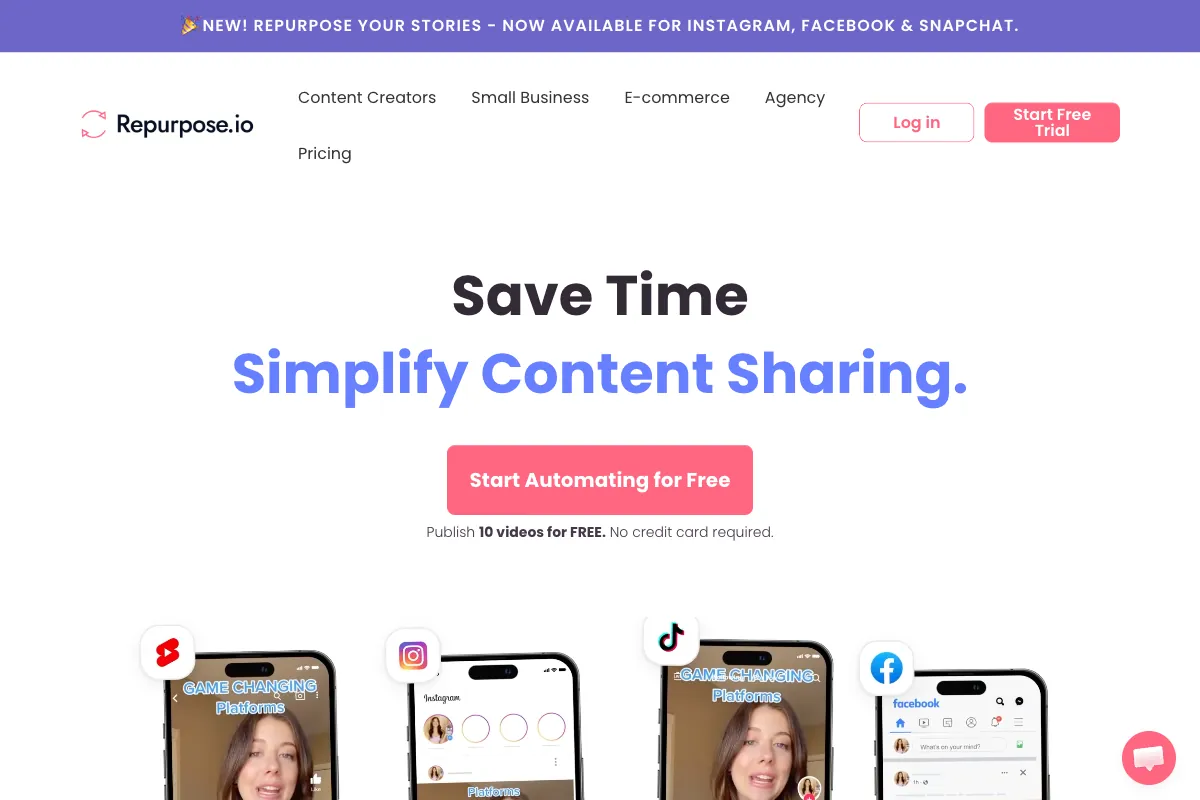
Creating content is only half the battle. The other half is getting that content in front of audiences across every platform where they spend their time -- and doing it consistently without burning out. This is the problem Repurpose.io was built to solve. Rather than manually downloading, reformatting, and re-uploading your videos and audio to each social network, Repurpose.io lets you set up automated workflows that handle the entire distribution process for you. Upload once to your primary platform, and your content flows outward to YouTube, TikTok, Instagram, Facebook, LinkedIn, X (formerly Twitter), Snapchat, Pinterest, BlueSky, Amazon, and more -- resized, reformatted, and published on your schedule. As an approved partner of Meta, YouTube, Snapchat, TikTok, and Amazon, Repurpose.io has positioned itself as the leading set-and-forget distribution engine for creators and agencies alike. In this review, we break down how it works, where it excels, where it falls short, and who benefits most from adding it to their content stack.
How to Use Repurpose.io
The core appeal of Repurpose.io is that setup is a one-time effort, and everything after that runs on autopilot. Here is how the typical workflow unfolds:
-
Sign Up and Connect Your Accounts: Create an account at repurpose.io. You can publish 10 videos for free without entering a credit card. Once inside, connect your source platforms (YouTube, TikTok, Instagram, podcast RSS feeds, Twitch, etc.) and your destination platforms (any combination of the 15+ supported channels).
-
Create a Workflow: Workflows are the backbone of Repurpose.io. Each workflow defines a source (where your content originates) and a destination (where it gets published). For example, you might create a workflow that listens for new YouTube uploads and automatically publishes them to TikTok, Instagram Reels, and LinkedIn. You can create as many workflows as your plan allows.
-
Configure Triggers and Settings: Each workflow includes a "listen-for-new-content" trigger that monitors your source platform for fresh uploads. When new content appears, Repurpose.io automatically pulls it in. In the advanced settings, you can enable options like short clip extraction, aspect ratio conversion, watermark removal, and audio-only extraction for podcast distribution to platforms like Spotify and SoundCloud.
-
Set Your Publishing Schedule: Auto Publish Schedules let you choose the exact days of the week and time windows when content gets published to each destination. This means you can stagger releases across platforms for maximum reach rather than flooding every channel simultaneously.
-
Let It Run: Once your workflows are configured, Repurpose.io operates entirely in the background. New content is detected, pulled, reformatted, and published without any manual intervention. You can monitor the status of all published and pending content through the Calendar view, which provides daily, weekly, and monthly perspectives.
-
Review and Adjust: Use the dashboard to track which workflows are active, review publishing history, and tweak schedules or destinations as your strategy evolves. Adding a new platform is as simple as connecting the account and creating a new workflow.
The entire philosophy is built around eliminating repetitive distribution tasks so creators can focus on what they do best: creating content.
Pros and Cons of Repurpose.io
Repurpose.io fills a specific niche in the content creation ecosystem. Understanding its strengths and limitations is essential before committing to a paid plan.
Pros
- True Set-and-Forget Automation: Unlike scheduling tools that require you to manually upload content to each platform, Repurpose.io automatically detects new content on your source platform and distributes it without intervention. Once workflows are configured, the system runs indefinitely.
- Massive Multi-Platform Coverage: With support for YouTube, TikTok, Instagram, Facebook, LinkedIn, X, Snapchat, Pinterest, BlueSky, Amazon, Twitch, Google Drive, Dropbox, Spotify, SoundCloud, and more, the platform covers virtually every major distribution channel. New integrations are added regularly.
- Significant Time Savings: Creators who previously spent hours each week manually reformatting and uploading content to multiple platforms report reclaiming that time entirely. For prolific publishers, this can mean 5-10+ hours saved per week.
- Watermark-Free Distribution: Content pulled from platforms like TikTok is published to destinations without the source platform's watermark, ensuring clean, professional-looking posts everywhere.
- Format Adaptation: The platform handles aspect ratio conversion (landscape to vertical, and vice versa) and can extract audio tracks for podcast distribution, eliminating the need for separate conversion tools.
- Official Platform Partnerships: As an approved app and partner of Meta, YouTube, Snapchat, TikTok, and Amazon, connections are reliable and your data is protected through official API integrations.
Cons
- No Free Tier for Ongoing Use: While you can publish 10 videos for free to test the platform, there is no permanent free plan. Paid plans start at $35/month, which is a meaningful commitment for creators just starting out.
- Not a Content Editor: Repurpose.io distributes content -- it does not edit it. There are no trimming tools, caption generators, effect overlays, or AI-powered highlight detection. You need to pair it with a separate editing tool for any creative work.
- Limited Creative Control: Since the platform focuses on automation, you have minimal ability to customize how content appears on each destination platform beyond basic formatting adjustments. Thumbnails, descriptions, and platform-specific optimizations still require manual attention.
- Workflow Reliability Concerns: Some users report that workflows occasionally fail or require reconnecting platform accounts, particularly after API changes on the source or destination platforms. This means the "set-and-forget" promise occasionally requires maintenance.
- Pricing Scales Quickly: The jump from $35/month to $79/month to $149/month is steep, and heavier users managing multiple brands or clients can outgrow lower plans quickly. Per-account limits on each plan add to the cost pressure.
Main Use Cases
Repurpose.io is purpose-built for distribution, not creation. Its strongest applications include:
- Podcast Multi-Platform Distribution: Record your podcast once and have it automatically distributed to YouTube (as video), Spotify, SoundCloud, Apple Podcasts, and social media platforms as audiograms or short clips. This is arguably the platform's flagship use case.
- YouTube to Short-Form Syndication: Automatically push new YouTube uploads to TikTok, Instagram Reels, YouTube Shorts, and Facebook Reels without manually downloading, reformatting, and re-uploading each time.
- Live Stream Repurposing: Twitch streamers and Facebook Live broadcasters can automatically capture and redistribute live content to other platforms after the stream ends.
- Cross-Platform Social Media Presence: Creators who are strong on one platform (say TikTok) but want presence on Instagram, YouTube Shorts, and Pinterest can automate the cross-posting entirely.
- Agency Client Management: Agencies managing content for multiple brands can set up isolated workflows for each client, ensuring content flows to the right accounts on the right schedules without manual oversight.
- Content Archiving: Automatically back up all published content to Google Drive or Dropbox as part of any workflow, creating an organized archive without extra effort.
Target Audience
Repurpose.io is best suited for:
- Podcasters: The primary audience. If you produce a weekly podcast and want it everywhere -- YouTube, Spotify, SoundCloud, social media clips -- Repurpose.io eliminates the distribution grind.
- YouTubers: Creators who want their long-form YouTube content automatically reformatted and pushed to TikTok, Instagram Reels, and other short-form platforms.
- Content Marketers and Social Media Managers: Professionals managing multi-platform content calendars who need consistent publishing without manual uploads.
- Agencies: Teams handling multiple client accounts benefit from the workflow-per-client architecture and higher account limits on the Agency plan.
- Live Streamers: Twitch and Facebook Live creators who want their stream content repurposed and distributed after broadcast.
- Solopreneurs and Small Business Owners: Anyone producing regular content who cannot afford to spend hours on manual distribution.
Repurpose.io is less ideal for creators who need editing capabilities, AI-powered clip selection, or creative tools. It is a distribution layer, not a production tool.
Main Competitors and Their Pros and Cons
Repurpose.io occupies a unique position as a pure distribution automation tool. Here is how it compares to the most relevant alternatives in 2026:
| Competitor | Key Strength | Pricing | Best For | Notable Limitation |
|---|---|---|---|---|
| Buffer | Clean scheduling interface with analytics | Free / $6+/month per channel | Social media scheduling and engagement tracking | No automated content pulling from source platforms; manual upload required |
| Later | Visual content calendar with link-in-bio tools | Free / $25+/month | Instagram-focused visual brands | Limited automation; no cross-platform reformatting |
| Hootsuite | Enterprise-grade social management with team features | $99+/month | Large teams and enterprises managing many accounts | Expensive; no automated source-to-destination workflows |
| Opus Clip | AI-powered viral clip generation from long-form video | Free / $19+/month | Automated short-form clip creation | Not a distribution tool; clips still need manual publishing |
| quso.ai | AI clipping with virality analysis and multilingual support | $19+/month | AI-driven clip creation for social media | Focused on creation, not automated distribution |
The key distinction is that Buffer, Later, and Hootsuite are scheduling tools -- they require you to manually upload content and set publish times. Repurpose.io automates the entire pipeline from detection to publishing. Opus Clip and quso.ai, on the other hand, are creation tools that generate clips but do not handle distribution. The ideal stack for many creators combines an AI clipping tool with Repurpose.io's distribution engine.
Pricing
Repurpose.io offers three paid plans with both monthly and annual billing. Annual billing saves approximately 17%. Here are the plans as of 2026:
| Plan | Monthly Price | Annual Price | Social Accounts per Platform | Best For |
|---|---|---|---|---|
| Starter | $35/month | ~$29/month (billed annually) | Up to 5 | Solo creators, small business owners, influencers |
| Professional | $79/month | ~$66/month (billed annually) | Up to 15 | Growing teams, creators managing multiple brands |
| Agency | $149/month | ~$124/month (billed annually) | Up to 25 | Agencies and teams handling multiple clients |
All plans include the core automation engine, workflow builder, auto-publish schedules, and access to all supported platforms. Higher-tier plans unlock more connected accounts per platform, more concurrent workflows, and priority support.
There is no permanent free plan, but you can publish 10 videos for free without a credit card to test the platform before committing. This is enough to set up a couple of workflows and verify that the automation meets your expectations.
For the most current pricing details, visit the Repurpose.io pricing page.
Pair Automated Distribution with AI-Powered Clip Generation

Repurpose.io solves one of the most time-consuming problems in content creation: getting your content distributed across every platform consistently and automatically. But distribution only works when you have compelling content to distribute -- and for podcasters and long-form video creators, the highest-performing content on social media is short, punchy clips that capture the best moments from your recordings.
This is where Viral Clips completes the workflow. While Repurpose.io handles the distribution side, Viral Clips handles the creation side -- using AI to analyze your full podcast episodes, interviews, and conversational videos, automatically identifying the most engaging moments, reframing to vertical format, adding captions, and delivering ready-to-post short clips in minutes. No manual scrubbing through hours of footage, no guessing which segments will resonate.
The ideal workflow for maximum reach is straightforward: feed your long-form content to Viral Clips to generate a library of high-impact short clips, then let Repurpose.io distribute those clips across TikTok, Instagram Reels, YouTube Shorts, LinkedIn, and every other platform on autopilot. Creation plus distribution, fully automated. Try it at viralclips.video.