VEED.io Review: Browser-Based AI Video Editor for Creators and Teams
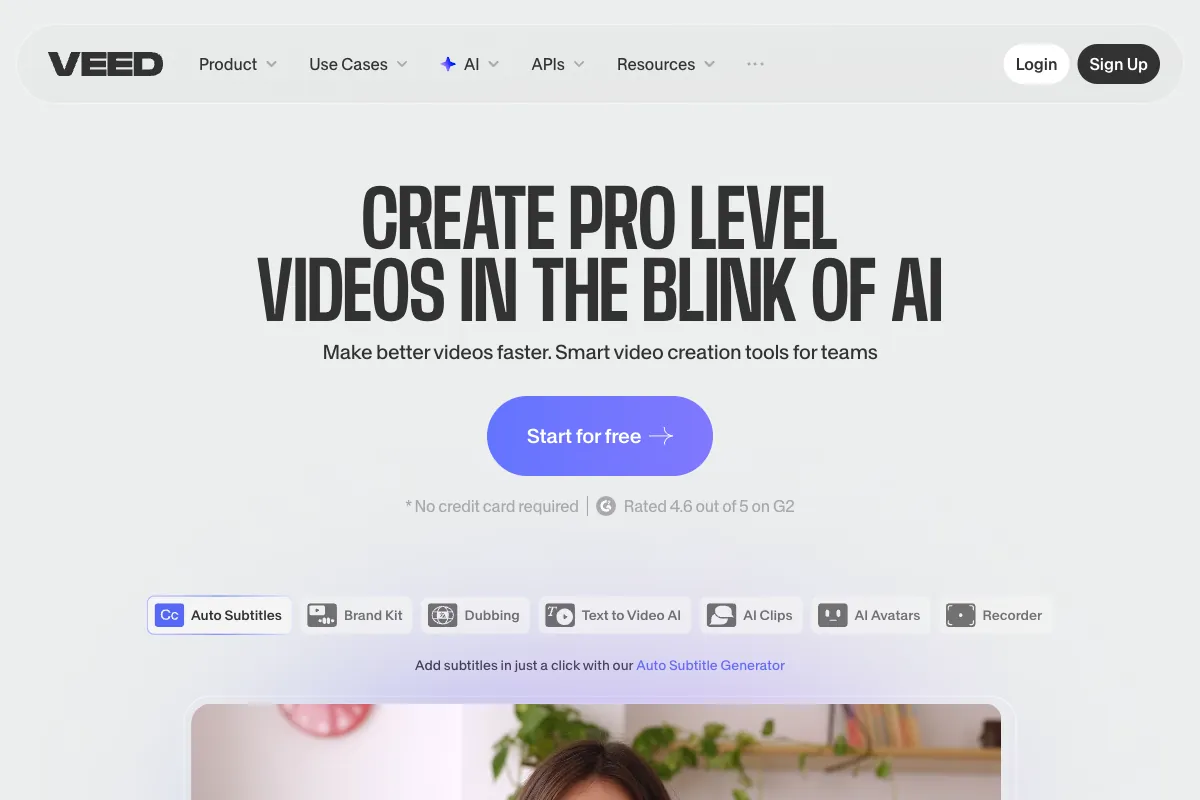
VEED.io has established itself as one of the most accessible browser-based video editors on the market, combining a polished drag-and-drop interface with a growing suite of AI-powered tools. With over 4 million users and $35 million in funding from Sequoia Capital, VEED targets anyone who needs to produce professional-looking video content without installing desktop software or mastering complex editing suites. From auto-generated subtitles in 125+ languages to AI avatars and voice cloning, the platform aims to handle the full lifecycle of video creation, editing, and distribution directly in your browser. This review examines how VEED performs across usability, features, pricing, and real-world applications in 2026, drawing from verified user feedback on G2, Trustpilot, and the App Store to give you a balanced perspective on whether it deserves a spot in your content workflow.
How to Use VEED.io
Getting started with VEED requires nothing more than a browser and an internet connection. Here is a step-by-step walkthrough of the core editing workflow:
-
Sign Up and Access the Editor: Create a free account at veed.io using email, Google, or Apple sign-in. The dashboard opens immediately in your browser with no downloads or installations required.
-
Upload or Record Your Video: Import footage from your local drive, paste a URL, or use VEED's built-in screen recorder and teleprompter to capture new content directly. The platform supports all common video formats and resolutions.
-
Edit on the Timeline: VEED uses a drag-and-drop timeline that will feel familiar to anyone who has used basic editing software. Trim clips, split scenes, rearrange segments, and layer audio, text, or images. The interface is deliberately simplified compared to desktop editors like Premiere Pro, which makes it approachable for beginners but can feel limiting for advanced users.
-
Apply AI Features: This is where VEED differentiates itself. Key AI tools include:
- Auto Subtitles: Generate captions in 125+ languages with a single click. This is widely regarded as VEED's strongest feature, with users on G2 and Trustpilot consistently praising its accuracy and speed.
- Magic Cut: Automatically detects and removes filler words, awkward pauses, and silences, which is especially useful for talking-head videos and podcasts.
- AI Copilot: Issue natural language commands like "make the intro shorter" or "add background music" and the AI applies the changes.
- Background Removal: Strip or replace backgrounds without a green screen.
- Eye Contact Correction: Adjusts the speaker's gaze to appear as if they are looking directly at the camera.
- Clean Audio: Removes background noise and enhances voice clarity.
- AI Avatars and Text-to-Video: Generate presenter-style videos from text scripts using AI-generated avatars.
- Voice Cloning and AI Dubbing: Clone your voice or dub content into other languages while preserving your vocal characteristics.
-
Customize with Brand Kit and Templates: Paid plans include brand kit support for consistent logos, fonts, colors, and intros across all your videos. VEED also offers a library of templates for common formats like social media ads, YouTube intros, and Instagram stories.
-
Collaborate in Real Time: Invite team members to edit, comment, and review within the same project, similar to Google Docs collaboration. This makes VEED particularly appealing for marketing teams and agencies.
-
Export and Publish: Choose your resolution (720p on free and Lite, 1080p on Pro, 4K on Business), format, and compression settings. Export directly or share via link. Paid plans remove the VEED watermark.
For live content, VEED also offers a built-in live streaming tool and teleprompter, rounding out its positioning as an all-in-one browser video platform.
Pros and Cons of VEED.io
User feedback across major review platforms reveals a tool that excels in accessibility and AI-powered convenience but falls short in some areas that matter to power users.
Pros
- No Installation Required: Everything runs in the browser. This is a genuine advantage for users on managed computers, Chromebooks, or those who simply prefer not to install software. It also means your projects are accessible from any device.
- Excellent Auto Subtitles: Subtitle generation is consistently cited as VEED's standout feature. Accuracy is high, language support is broad (125+), and the styling options are extensive. For accessibility-focused creators and social media managers, this alone can justify using the platform.
- Intuitive Interface: The learning curve is minimal. Users on G2 (4.6/5 from approximately 932 reviews) frequently describe the editor as "easy to pick up" and "beginner-friendly" without sacrificing enough depth to handle standard editing tasks.
- Strong AI Toolkit: The combination of Magic Cut, AI Copilot, eye contact correction, background removal, clean audio, voice cloning, and AI dubbing provides a genuinely useful set of tools that can save significant time compared to manual editing or juggling multiple apps.
- Multi-Platform and Collaborative: Real-time collaboration, brand kits, and template libraries make VEED well-suited for teams. The screen recorder and teleprompter add further value for remote workflows.
- Responsive Support and Active Development: Multiple reviewers note that VEED's support team is responsive and that the platform ships new features regularly.
- Free Plan Available: The free tier lets you test all core features before committing, though it comes with a watermark and limited resolution.
Cons
- Performance Issues with Large Files: Browser-based editing has inherent limitations. Users report slowdowns, lag, and occasional crashes when working with high-resolution or longer-duration files. This is a recurring complaint on both G2 and Trustpilot.
- Unreliable Speaker Detection: While auto subtitles are strong, speaker diarization (identifying who is speaking) is inconsistent, which can be frustrating for multi-speaker content like interviews and podcasts.
- Pricing is Steep Compared to Some Competitors: At $29/user/month for 1080p export on the Pro plan, VEED is more expensive than alternatives like CapCut (free) or Clipchamp (included with Microsoft 365). Users who only need basic editing may find it hard to justify the cost.
- Limited Free Plan: The free tier restricts you to 720p, 25-minute videos, and includes a watermark. It is useful for testing but not for production work.
- Reported Work Reversion Bugs: Some users on Trustpilot (4.6/5 from approximately 3,385 reviews) have reported losing edits due to bugs that revert projects to earlier states. For time-sensitive workflows, this is a serious concern.
- Refund and Billing Complaints: A subset of negative reviews mention difficulty obtaining refunds or unexpected charges after trial periods.
- Feature Removals: Several reviews note that features they relied on were removed or moved to higher pricing tiers without warning.
- Limited Advanced Editing: VEED is not a replacement for desktop editors like DaVinci Resolve or Premiere Pro. Multi-track compositing, advanced color grading, and effects are either absent or rudimentary.
Main Use Cases
VEED.io fits best in workflows where speed, accessibility, and AI assistance matter more than deep editing control:
- Social Media Content Creation: Quickly produce and subtitle videos for TikTok, Instagram Reels, YouTube Shorts, and LinkedIn. Templates and auto-resizing streamline multi-platform publishing.
- Marketing and Advertising: Brand kits, templates, and team collaboration make VEED practical for marketing departments producing promotional videos, product demos, and ad creatives at volume.
- Podcast and Webinar Repurposing: Use Magic Cut to remove dead air and filler words, then add subtitles and export clips for social promotion. The screen recorder and teleprompter also support recording new episodes directly.
- Corporate Communications and Training: AI avatars and text-to-video features let teams produce internal training materials, onboarding videos, and announcements without scheduling film shoots.
- Education: Educators and course creators use VEED to produce tutorials, explainer videos, and lecture recordings with auto subtitles for accessibility compliance.
- Freelance Video Production: Solo creators and freelancers who need to deliver polished results quickly without investing in expensive software licenses benefit from VEED's browser-based convenience.
Target Audience
VEED.io is designed for users who prioritize ease of use and speed over granular editing control:
- Social Media Managers who produce high volumes of short-form content across multiple platforms.
- Marketing Teams that need consistent branding, collaboration, and fast turnaround on video assets.
- Content Creators and YouTubers looking for an accessible editor with strong subtitle and AI features.
- Small Businesses without dedicated video production staff who need to create professional-looking videos independently.
- Educators and Trainers who require accessible, captioned video content.
- Freelancers and Consultants who need a portable, browser-based solution that works from any device.
- Corporate Communications Teams producing internal videos, announcements, and training materials.
- Podcasters who want to add video elements, subtitles, and social clips to their audio-first content.
VEED is less suited for professional film editors, VFX artists, or anyone who needs frame-level precision, advanced compositing, or deep color science tools.
Main Competitors and Comparison
VEED operates in a competitive space alongside both free and paid browser-based editors. Here is how it compares to the main alternatives:
| Competitor | Key Strength | Rating | Pricing Starting | Best For |
|---|---|---|---|---|
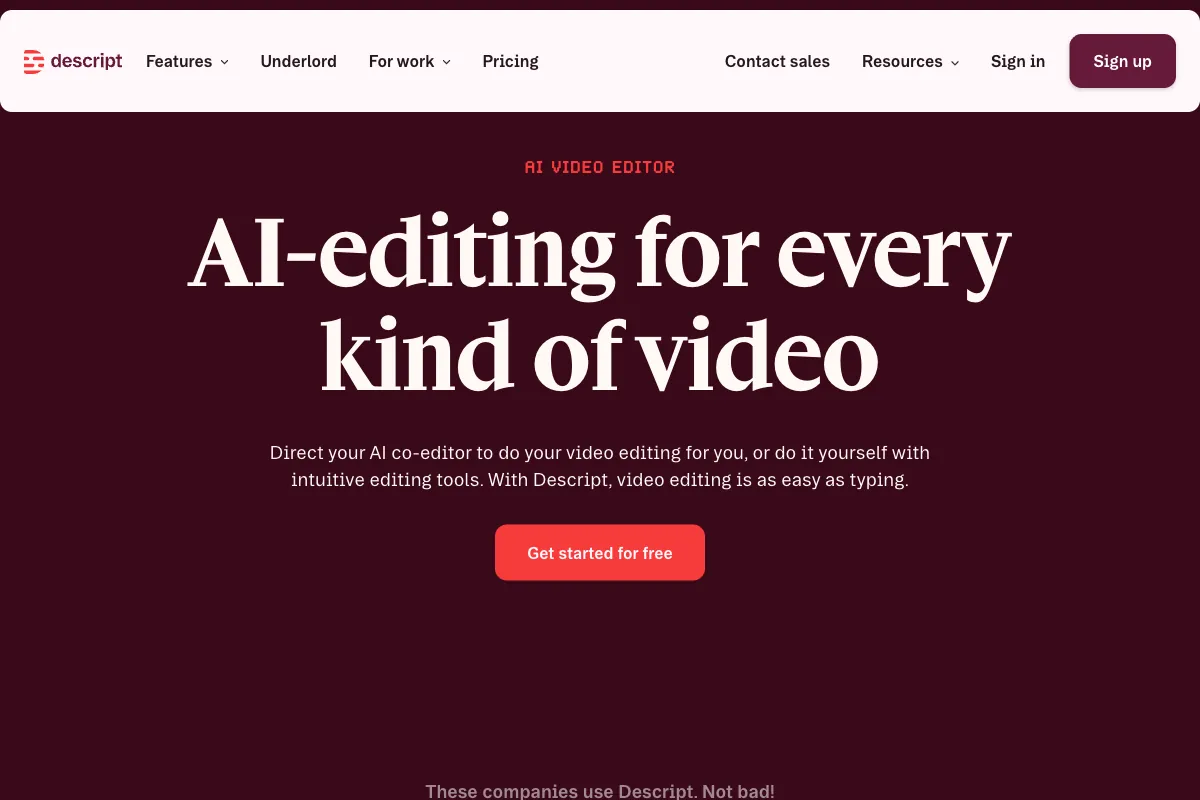
| Descript | Text-based editing with transcription | 4.6/5 (G2) | $24/user/mo | Podcasters and talking-head video |
| Kapwing | Browser collaboration and meme tools | 4.6/5 (G2) | $16/user/mo | Social media teams |
| InVideo | AI text-to-video generation | 4.5/5 (G2) | $28/mo | Marketing video from scratch |
| Clipchamp | Free with Microsoft 365 integration | 4.3/5 (G2) | Free (M365 included) | Windows users and basic editing |
| Pictory | Blog and article to video conversion | 4.6/5 (G2) | $19/mo | Content repurposing |
| Canva Video | Design-first video with templates | 4.7/5 (G2) | $12.99/mo (Pro) | Non-designers needing templates |
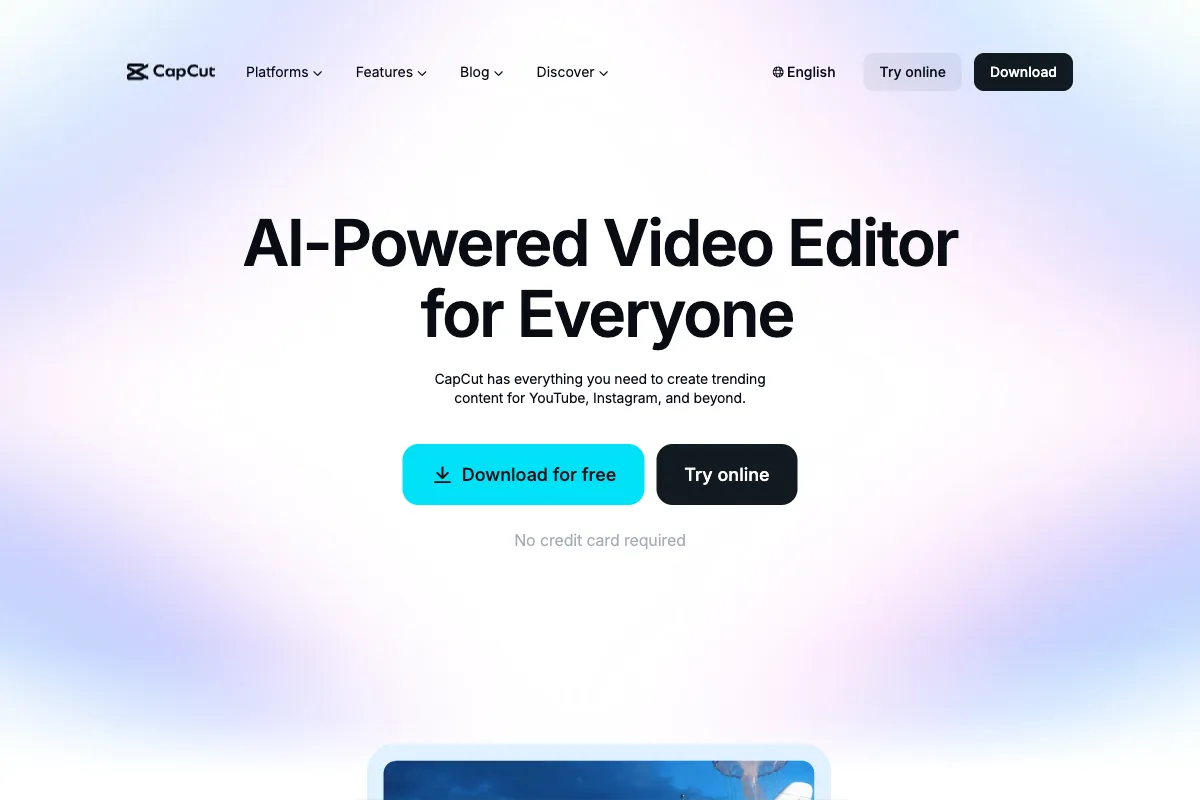
| CapCut | Free full-featured mobile and web editor | 4.7/5 (G2) | Free | Individual creators on a budget |
| Submagic | AI short-form video captions and hooks | 4.8/5 (G2) | $19/mo | Short-form caption styling |
VEED's main competitive advantage is the breadth of its AI toolkit combined with real-time collaboration and browser-based convenience. Its primary weakness relative to competitors is pricing: CapCut and Clipchamp offer comparable basic editing for free, while Descript provides deeper AI editing for podcast and conversational content at a similar price point. The choice often comes down to whether VEED's specific combination of auto subtitles, Magic Cut, AI Copilot, and team features justifies its premium over cheaper or free alternatives.
Pricing
VEED.io uses a per-user subscription model with four main tiers and an enterprise option. All paid plans are billed annually at the prices shown, with monthly billing available at higher rates:
| Plan | Monthly Cost (Annual Billing) | Max Resolution | Key Features and Limits |
|---|---|---|---|
| Free | $0 | 720p | Watermark included, 25-minute video limit, basic editing, auto subtitles, limited exports |
| Lite | $12/user/month | 720p | No watermark, extended video length, brand kit basics, priority rendering |
| Pro | $29/user/month | 1080p | Full AI toolkit, Magic Cut, AI Copilot, voice cloning, advanced brand kit, collaboration |
| Business | ~$59/user/month (estimated) | 4K | 4K export, advanced team features, priority support, expanded storage |
| Enterprise | Custom pricing | 4K | Custom integrations, SSO, dedicated support, tailored limits |
The free plan is adequate for testing the platform and producing occasional quick edits, but the watermark and 720p ceiling make it impractical for professional use. The Lite plan removes the watermark but still caps resolution at 720p, which limits its utility for YouTube or any platform where viewers expect at least 1080p. The Pro plan is where VEED's full value becomes accessible, with 1080p export and the complete AI feature set. The Business tier adds 4K and expanded team capabilities for agencies and larger organizations.
Compared to the market, VEED's pricing is on the higher side. CapCut offers 1080p export for free. Canva Pro includes video editing at $12.99/month. Clipchamp is free with Microsoft 365. Users who do not specifically need VEED's AI features or collaboration tools may find better value elsewhere. However, for teams that rely heavily on auto subtitles, Magic Cut, and brand consistency, the Pro plan at $29/month can pay for itself in time savings.
App Store users rate VEED at an impressive 4.9/5, suggesting strong satisfaction among mobile users, while G2 (4.6/5 from ~932 reviews) and Trustpilot (4.6/5 from ~3,385 reviews) reflect a more nuanced picture with praise for ease of use balanced against complaints about pricing and occasional bugs.
Discover Viral Clips: Purpose-Built AI for Conversational Video Clipping

VEED.io is a versatile browser-based editor for polishing individual videos. But if you're producing long-form conversational content -- podcasts, coaching sessions, interviews -- and need to extract the best moments automatically, Viral Clips is built specifically for that. Upload your video and let our AI find the clips that will resonate most on social media.
Key features of Viral Clips include:
- Generating 5 to 30 optimized clips per video in just 20-30 minutes.
- AI-driven viral moment detection, hooks, reframing to vertical format, and customizable captions.
- Support for videos 5 minutes to 4 hours long, ideal for static podcast-style content.
- Credit-based pricing starting at $20/month for 200 credits (processing ~3 hours of video, yielding ~60 clips), or $200/year for 4000 credits.
If you need to turn podcasts, interviews, or coaching sessions into ready-to-post social media clips, Viral Clips is a purpose-built solution that complements general-purpose editors like VEED by handling the extraction and optimization of your best conversational moments. Visit Viral Clips to try it with a 3-day free trial including 20 credits.