Captions App Review: AI-Powered Mobile Video Editor for Creators in 2026
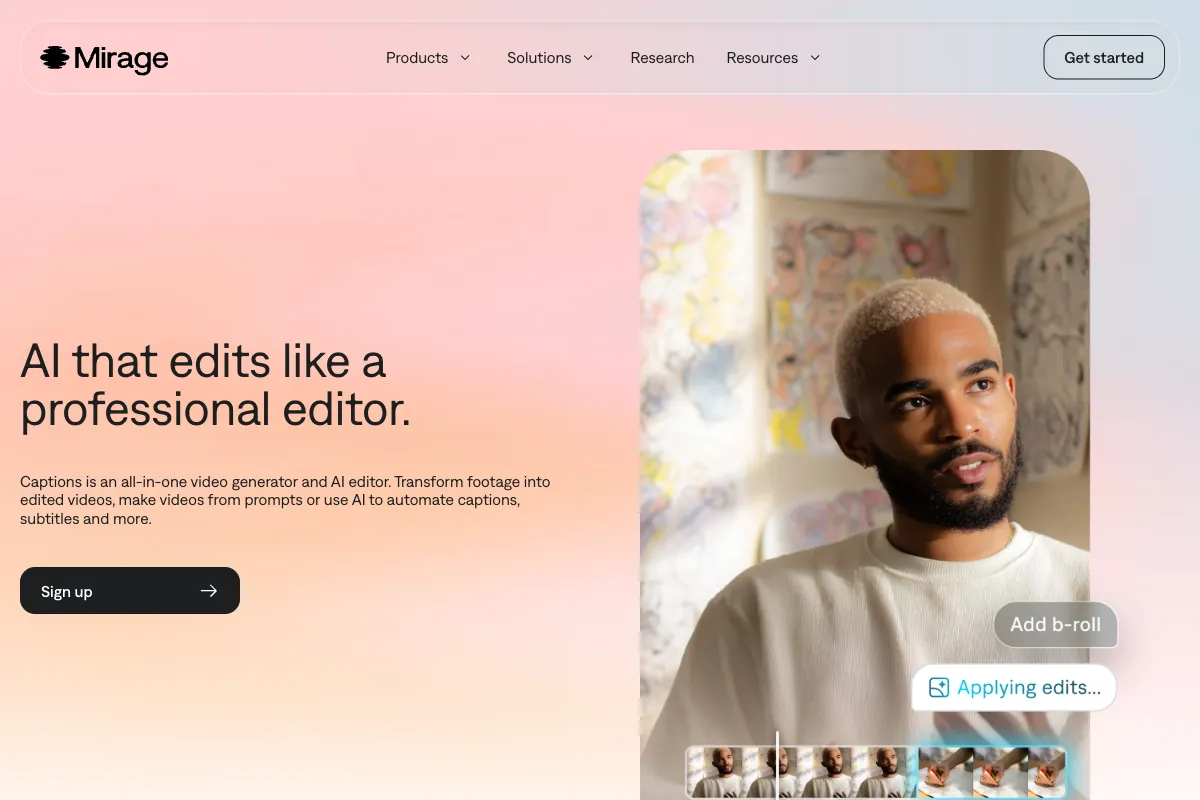
If you have spent any time creating short-form video for social media, you know that captions are no longer optional. Viewers scroll with sound off, algorithms reward accessible content, and animated text overlays have become the visual language of TikTok, Reels, and Shorts. Captions -- formerly known by its parent company name and rebranded under Mirage in September 2025 -- has positioned itself as the go-to mobile-first AI video editor built around that reality. With over 10 million users, a $500 million valuation, and backing from Index Ventures, Kleiner Perkins, a16z, Sequoia, and Adobe Ventures, it is one of the most well-funded creator tools on the market. This review breaks down how the app works, what it does well, where it falls short, who it is for, how it compares to competitors, and whether its pricing makes sense for your workflow.
How to Use Captions
Getting started with Captions is designed to feel effortless, and for the most part it delivers on that promise. The app is available on iOS, Android, and the web, though the mobile experience -- particularly on iPhone -- remains the most polished.
-
Download and Sign Up: Install the Captions app from the App Store or Google Play. Create an account with email or social sign-in. Free users receive 200 lifetime credits to explore features before committing to a paid plan.
-
Import or Record Video: You can import existing footage from your camera roll, record directly within the app using the built-in teleprompter, or paste a script and let the AI generate video from text. The app supports a wide range of formats and resolutions.
-
Apply AI Captions: This is the headline feature. Captions uses OpenAI Whisper-based transcription supporting 100+ languages to generate word-by-word animated subtitles. Choose from dozens of caption styles -- bold kinetic text, color-highlighted keywords, emoji inserts -- and the AI syncs them precisely to your speech rhythm.
-
Use AI Edit for One-Tap Editing: The AI Edit feature analyzes your raw footage and automatically applies zooms, B-roll overlays, background music, transitions, and visual effects. You describe the vibe you want -- "energetic podcast clip" or "calm tutorial" -- and the editor assembles a polished cut in seconds.
-
Enhance with Advanced AI Tools: Correct eye contact so you appear to look directly into the camera even when reading from a script. Remove background noise with AI Denoise. Dub your video into 29+ languages with lip-sync technology that matches your mouth movements to the translated audio. Use AI Twin (also called AI Creator) to generate avatar versions of yourself for scaled content production.
-
Export and Share: Download your finished video or publish directly to social platforms. Free plan exports include a watermark; paid plans remove it and unlock higher resolution exports.
The chat-based editor is a newer addition that lets you make changes by typing instructions -- "make the captions bigger," "add background music," "trim the first 3 seconds" -- rather than navigating menus. It works reasonably well for simple edits, though complex requests sometimes require manual follow-up.
Pros and Cons
After extensive testing and reviewing feedback from creators across the App Store (where Captions holds approximately 4.6 out of 5 stars), review platforms like SendShort (4.1/5 overall, with Ease of Use at 4.4, Features at 4.3, Support at 4.0, and Pricing at 3.8), and social media discussions, here is what stands out.
Pros
-
Best-in-Class Animated Captions: No other app matches the variety and polish of Captions' subtitle styles. The word-by-word animation, keyword highlighting, and emoji integration make videos immediately more engaging and accessible. Transcription accuracy across 100+ languages is consistently strong thanks to the Whisper backbone.
-
Genuinely Fast AI Editing: The one-tap AI Edit feature is impressive for creators who need content quickly. Upload a raw talking-head clip and get back a fully edited video with zooms, cuts, music, and effects in under a minute. For high-volume creators posting daily, this speed is a real differentiator.
-
Powerful AI Dubbing: The dubbing feature supporting 29+ languages with lip-sync is among the best available on mobile. It opens international audiences without requiring separate recording sessions, and the lip-sync technology -- while not perfect -- is convincing enough for social media content.
-
Eye Contact Correction: A subtle but valuable feature for creators who read from scripts or glance at notes. The AI adjusts your gaze to appear naturally directed at the camera, resulting in more engaging, direct-to-viewer content.
-
Comprehensive Feature Set: Between captions, editing, dubbing, avatars, text-to-video, teleprompter, denoising, and the chat editor, Captions packs an extraordinary number of tools into a single mobile app. For solo creators who want one app to handle everything, the breadth is hard to beat.
-
Easy to Use: The interface prioritizes simplicity. Most features are one or two taps away, and the learning curve is minimal. Creators with no editing experience can produce professional-looking videos within minutes of downloading the app.
Cons
-
Audio Sync Issues: Multiple users report that audio and video can drift out of sync after applying effects, captions, or dubbing. This is particularly frustrating because it can be difficult to detect before exporting, and fixing it often means starting the edit over.
-
Performance and Stability Problems: The app can be resource-intensive, especially on older devices. Crashes during export, sluggish timeline scrubbing, and freezes when processing longer videos appear frequently in user reviews. The web version helps, but the core experience is still mobile-first.
-
iOS-First Bias: While Captions is available on Android, the iOS version consistently receives features first, runs more smoothly, and gets updated more frequently. Android users report a noticeably degraded experience, with some features arriving months later or not at all.
-
Weak Customer Support: Support interactions are a recurring pain point. Response times are slow, and resolutions for billing issues, lost credits, or technical bugs are often unsatisfying. The SendShort rating of 4.0 for support reflects this gap.
-
Credit System Is Unpredictable: The credit-based pricing model makes it hard to predict monthly costs. Different features consume different credit amounts, and users report confusion about how quickly credits deplete -- especially when re-processing videos or applying multiple AI features to the same clip.
-
Limited Manual Control: If you want precise, frame-level editing, custom keyframe animations, or advanced color grading, Captions is not the right tool. The app prioritizes AI-automated workflows over granular manual adjustments.
-
Translation Errors in Dubbing: While the dubbing technology is impressive, translations can contain errors -- especially with idiomatic expressions, slang, or technical terminology. Creators targeting professional or enterprise audiences should review dubbed output carefully.
-
Free Plan Is Very Limited: The 200 lifetime credits on the free plan run out quickly, and the watermark on exports limits usability for anything beyond testing. This effectively makes Captions a paid-only tool for serious use.
Main Use Cases
Captions is built for short-form, social-first video creation. Its sweet spot covers several specific workflows:
-
Social Media Content Creation: The core use case. Creating TikTok, Instagram Reels, and YouTube Shorts with trendy animated captions, quick-cut edits, and background music. The one-tap editing and caption styling make it possible to produce multiple videos per day.
-
Multilingual Content Distribution: Creators and brands looking to reach international audiences can use the AI dubbing feature to produce versions of their videos in 29+ languages without re-recording. This is particularly valuable for educational content and product demos.
-
Talking-Head and Podcast Clips: Solo creators filming direct-to-camera content benefit from eye contact correction, AI-powered editing that adds visual variety to static shots, and the teleprompter for scripted delivery.
-
Personal Branding and Course Creation: Coaches, consultants, and educators use Captions to produce polished video content at scale. The AI Twin feature enables creating avatar-based content when live recording is not practical.
-
Quick Video Ads and Promos: Small businesses and e-commerce brands use the text-to-video and AI editing features to produce promotional content without hiring a video team.
-
Content Accessibility: Adding accurate captions to every video improves accessibility for deaf and hard-of-hearing viewers, and improves engagement metrics across the board since most social feeds default to muted playback.
Target Audience
Captions is designed for creators and small teams who prioritize speed and polish over deep editing control:
- Social Media Influencers and Creators: The primary audience. Anyone producing regular short-form content for TikTok, Instagram, or YouTube Shorts will find the caption styles and AI editing tools directly aligned with their workflow.
- Solo Content Creators: Podcasters, coaches, and consultants who film themselves talking and need a fast path from raw footage to finished clip.
- Marketing Professionals and Social Media Managers: Teams managing multiple brand accounts who need to produce high volumes of polished video content quickly.
- Small Businesses and E-Commerce Brands: Companies without dedicated video teams that need professional-looking promotional content.
- Educators and Course Creators: Anyone producing instructional video content who wants captions for accessibility and AI editing for visual engagement.
- Podcasters Repurposing Audio to Video: Creators converting podcast episodes into video clips for social distribution.
The app is less suited for professional video editors, filmmakers, or anyone who needs advanced timeline editing, multi-track audio mixing, or frame-precise control.
Main Competitors and Their Pros and Cons
Captions operates in a competitive landscape of AI-powered video editing tools. Here is how it compares to the major alternatives:
| Competitor | Monthly Visits | Pros | Cons | Starting Price |
|---|---|---|---|---|
| CapCut | 39.9M | Free with powerful features; excellent template library; strong desktop and mobile apps; TikTok integration | Owned by ByteDance (data privacy concerns); limited AI dubbing; less advanced AI editing | Free (Pro: $7.99/mo) |
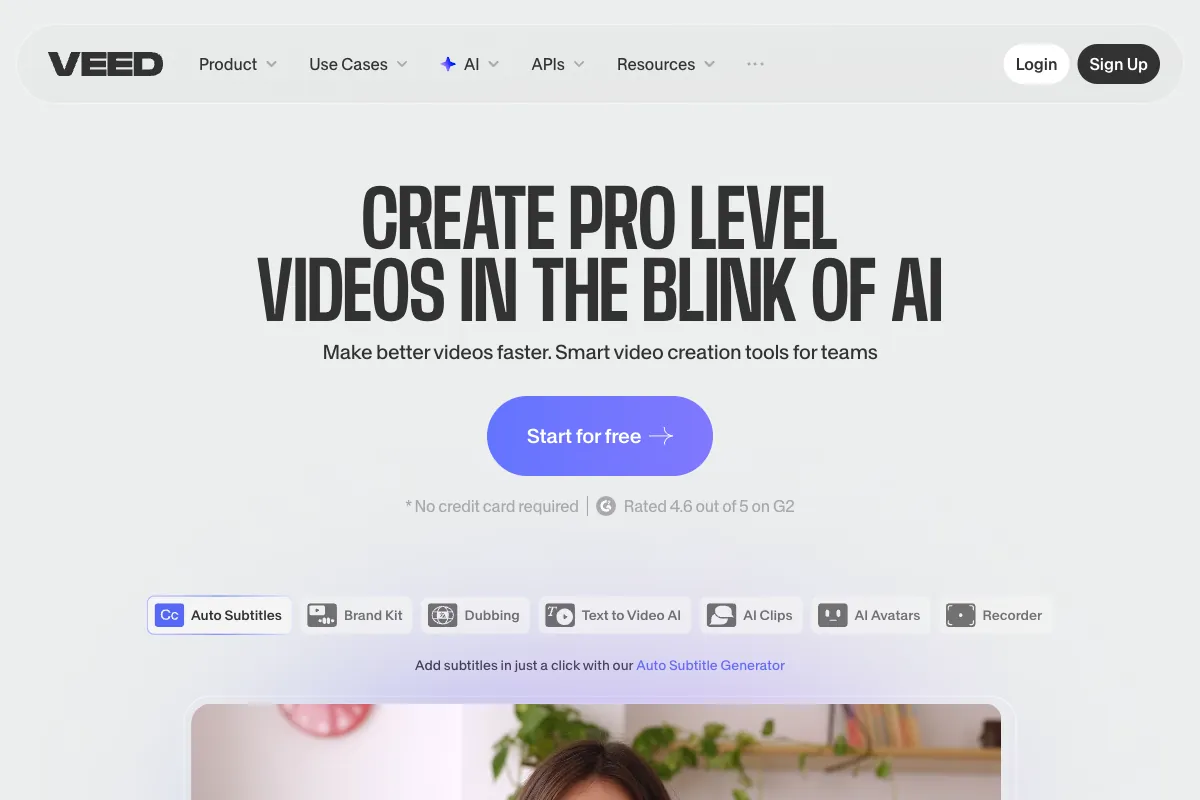
| VEED.io | 11.7M | Browser-based; strong subtitle tools; team collaboration; clean interface | Expensive at higher tiers; limited mobile experience; rendering can be slow | Free (Pro: $18/mo) |
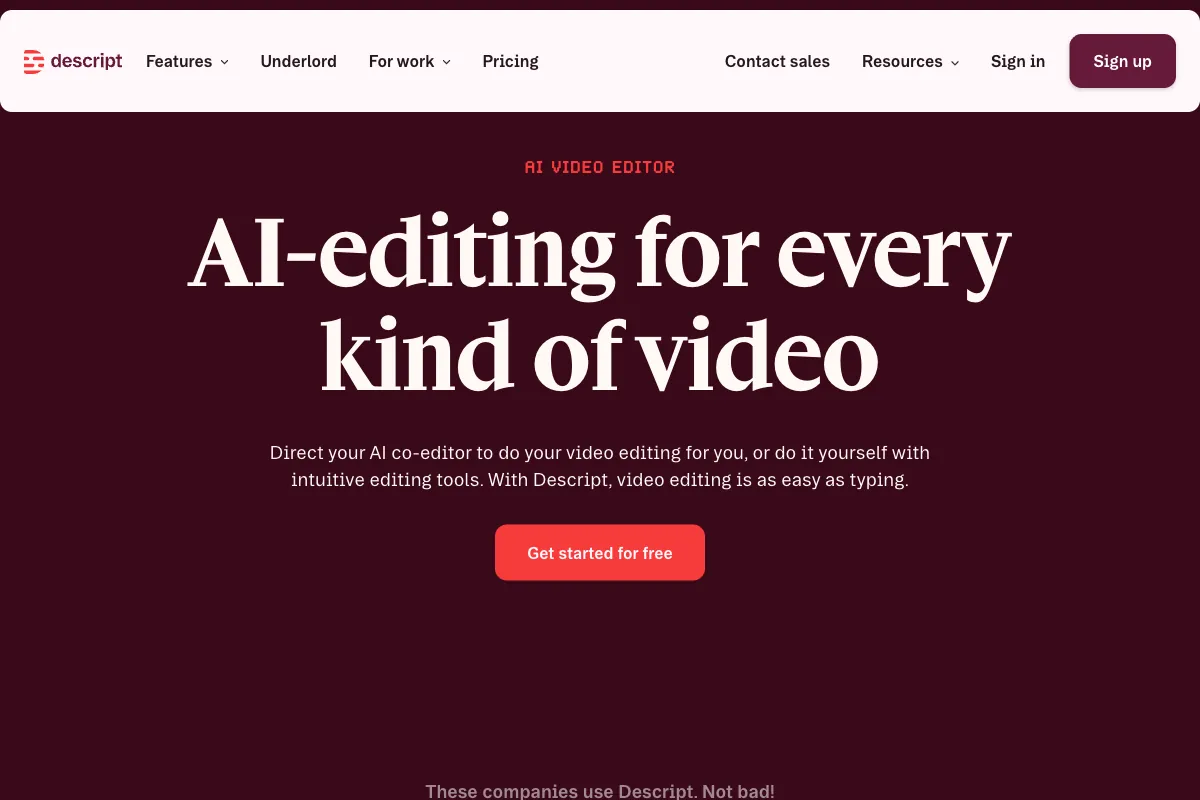
| Descript | N/A | Text-based editing is revolutionary; excellent transcription; podcaster favorite; screen recording | Steep learning curve; desktop-only; less focused on short-form social | $24/mo |
| InVideo | 10M | Text-to-video AI; massive template library; affordable; 50+ languages | Credit-heavy; AI output quality varies; less polished than dedicated editors | $28/mo |
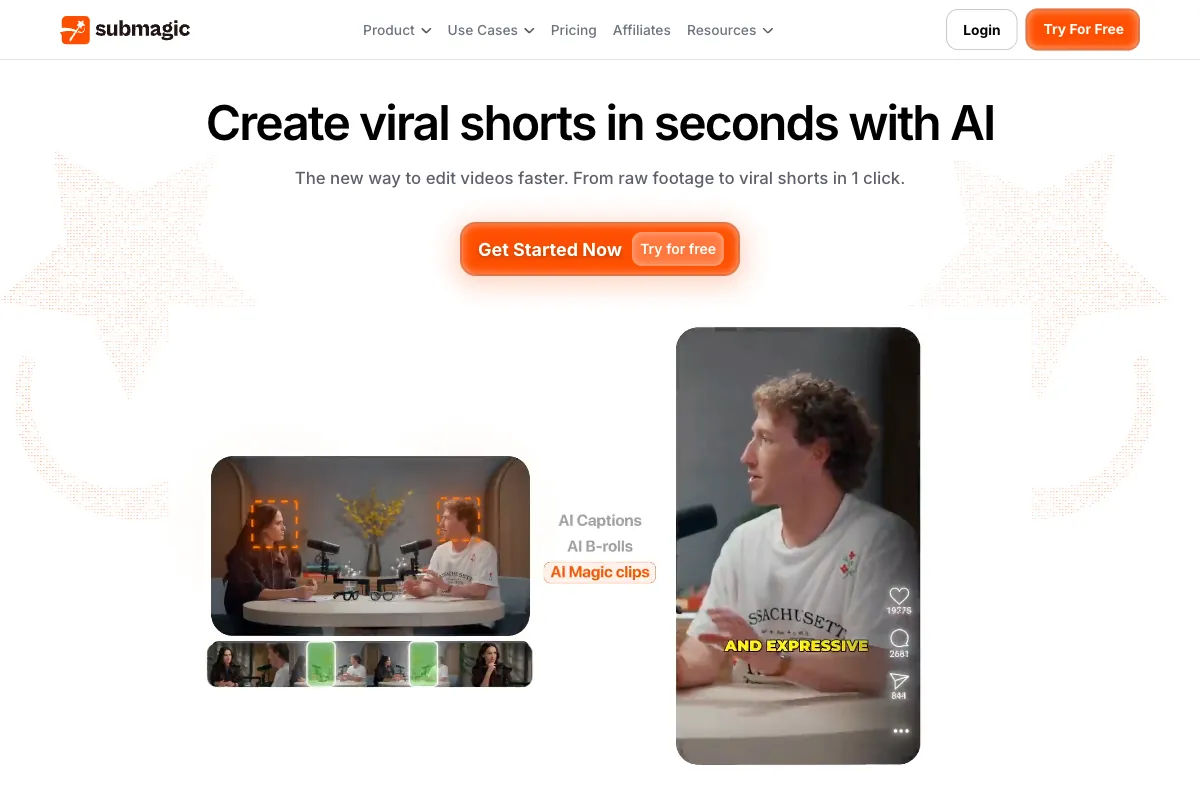
| Submagic | N/A | Excellent animated captions; fast processing; social-media focused; simple UI | Limited editing beyond captions; smaller feature set; newer platform | $9/mo |
| Opus Clip | N/A | Best-in-class long-to-short AI clipping; virality scoring; auto-reframing | Not a full editor; limited manual control; credit-based pricing | $15/mo |
| Kapwing | N/A | Versatile browser editor; team features; good free tier; meme/social tools | Slower processing; less AI automation; interface can feel cluttered | Free (Pro: $16/mo) |
| SendShort | N/A | AI-powered short-form optimization; viral hook detection; simple workflow | Smaller user base; fewer editing features; niche focus | $29/mo |
Captions differentiates itself through the combination of best-in-class caption styling, AI dubbing with lip-sync, and a comprehensive mobile-first feature set. CapCut is the strongest free alternative, while Descript appeals more to podcast and long-form creators. For pure clipping from long videos, Opus Clip is purpose-built for that workflow.
Pricing
Captions uses a credit-based system where different features consume different amounts of credits. All plans are billed monthly or annually (with annual discounts), and pricing reflects the mobile-first app model.
| Plan | Price | Credits | Key Features |
|---|---|---|---|
| Free | $0 | 200 lifetime credits | Basic captions, watermarked exports, limited AI features |
| Pro | $9.99/mo | Included monthly allocation | Watermark removal, AI captions, basic AI editing tools |
| Max (Most Popular) | $24.99/mo | Larger monthly allocation | Full AI Edit, dubbing, eye contact correction, AI denoise, priority processing |
| Scale 2x | $69.99/mo | 2x Max credits | Everything in Max with doubled capacity for higher-volume creators |
| Scale 4x | $139.99/mo | 4x Max credits | Quadrupled capacity for teams and agencies |
| Scale 8x | $279.99/mo | 8x Max credits | Maximum capacity for enterprise-level production |
| Enterprise | Custom | Custom | Tailored solutions, dedicated support, custom integrations |
| Android Lite | $4.99/mo | Limited | Reduced feature set for Android users |
The Max plan at $24.99/month is positioned as the sweet spot for most creators, offering the full suite of AI tools including dubbing and eye contact correction. The Scale tiers are designed for agencies and high-volume creators who need to process large amounts of content.
One important caveat: the credit consumption rate varies significantly by feature. Generating AI captions is relatively cheap, but applying AI dubbing, avatar generation, or text-to-video can burn through credits quickly. Several users report that the credit system lacks transparency -- it can be difficult to predict how many credits a given workflow will consume until you have already started processing.
For the latest pricing details and plan comparisons, visit the Captions pricing page.
Beyond Mobile Editing: Automate Your Clips with Viral Clips

Captions excels at making individual videos look polished with trendy captions and effects. But if you are a coach, podcaster, or consultant sitting on hours of recorded sessions, you need a tool that finds the best moments first. Viral Clips analyzes your full-length conversational content and automatically extracts the most engaging clips -- then you can polish them with any editor you like.
Where Captions focuses on the editing and styling layer, Viral Clips solves the upstream problem: which moments from a two-hour podcast episode will actually perform on social media? The AI scans your video for hooks, emotional peaks, complete narrative arcs, and shareable insights, then delivers 5 to 30 ready-to-post clips per video in 20 to 30 minutes.
Key advantages of pairing Viral Clips with Captions:
- AI-powered viral moment detection identifies the clips worth editing in the first place, so you are not spending time polishing content that will not perform.
- Supports videos from 5 minutes to 4 hours, making it ideal for podcast episodes, coaching calls, webinars, and long interviews.
- Credit-based pricing starts at $20/month for 200 credits (approximately 3 hours of processed video yielding around 60 clips), or $200/year for 4,000 credits.
- Editor-agnostic output means you can take your extracted clips into Captions, CapCut, Descript, or any other tool for final polish.
The workflow is straightforward: run your long-form content through Viral Clips to find the best moments, then bring those clips into Captions to add animated subtitles, effects, and platform-specific formatting. Together they cover the full pipeline from raw recording to viral-ready short. Visit Viral Clips to start a 3-day free trial with 20 credits included.